
Features · The client portal
Clients see, pay and message — without phoning the office.
A portal where your clients view and pay invoices, message the office, and hand over what the crew needs before it arrives.
Self-serve
The answers they’d otherwise call about.
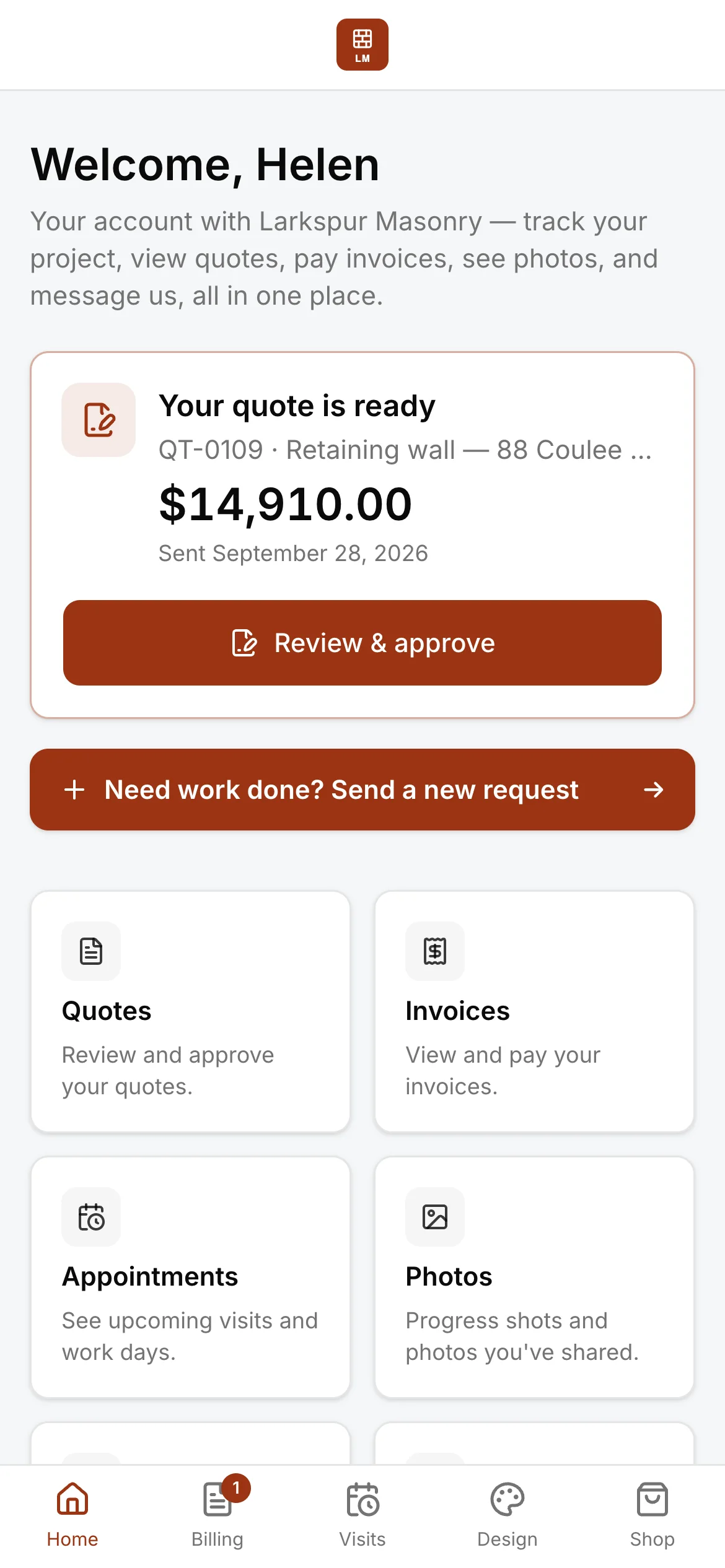
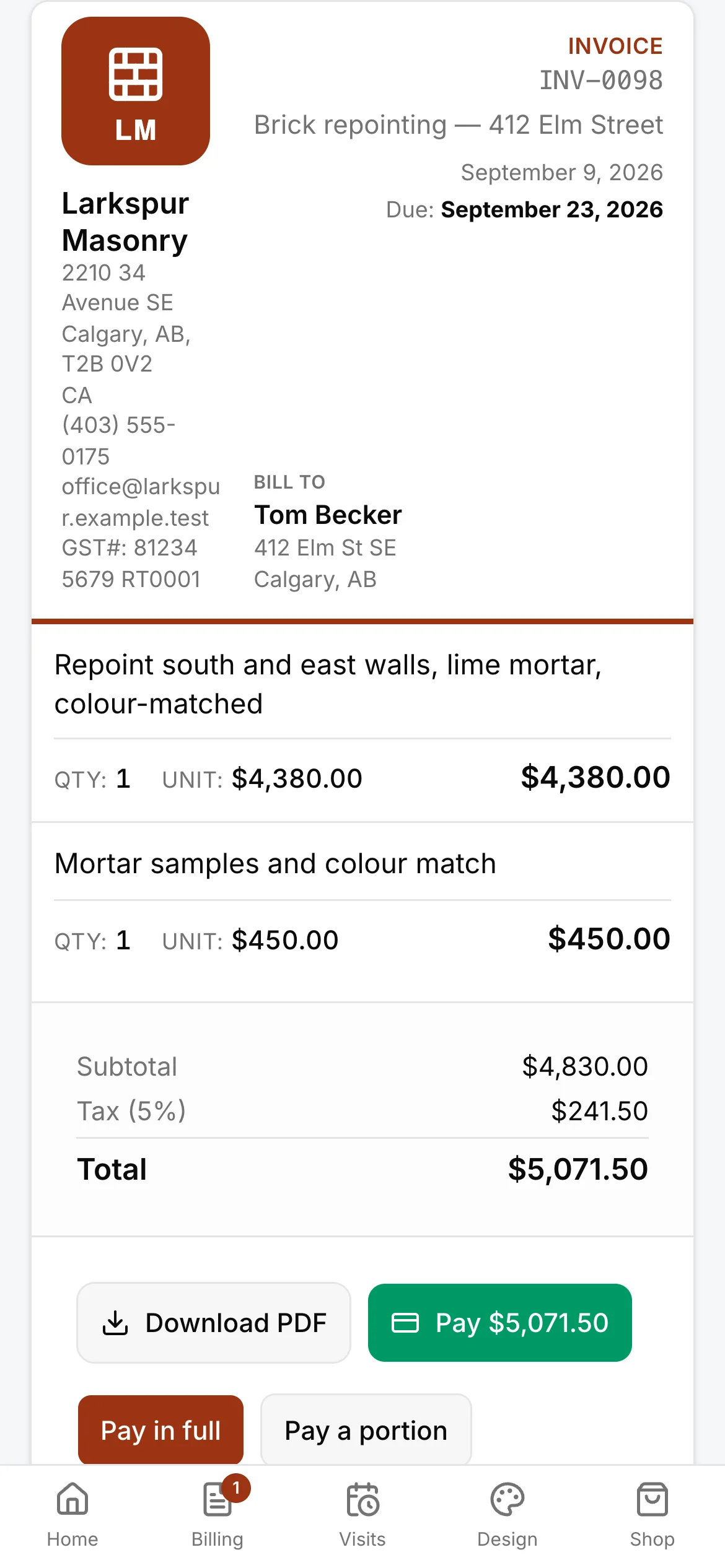
Invoices to view and pay, messages that reach the office on their job, and the state of their work — on a page with your name and logo at the top.
- View and pay invoices by card — in full, or a portion
- Messages reach the office, on their job
- Their whole history with you, in one place
Before the crew arrives
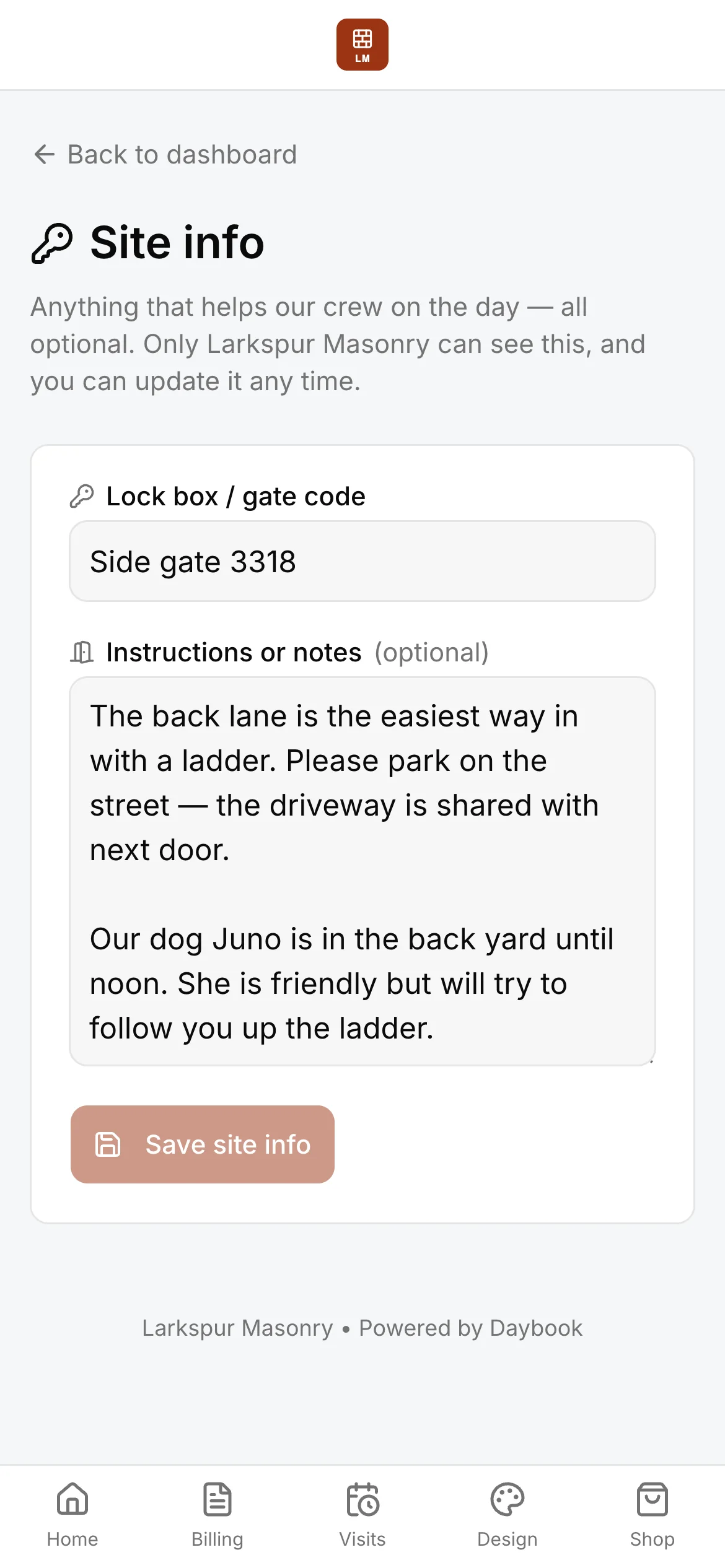
The site info, captured while it’s easy.
Gate codes, pets, parking, the way in — a client leaves it on the Site info page of their own page, and it lands on the job for the office and the crew, so nobody finds out at the curb. On Company, clients can also lay out a mood board and try your products on a photo of their own house that you set up.
- Site info from the client — a gate code, and notes on pets, parking and access
- Mood boards — clients lay out products, colours and finishes
- A visualizer on a photo of the customer’s own house
For families
The same door, in a family’s words.
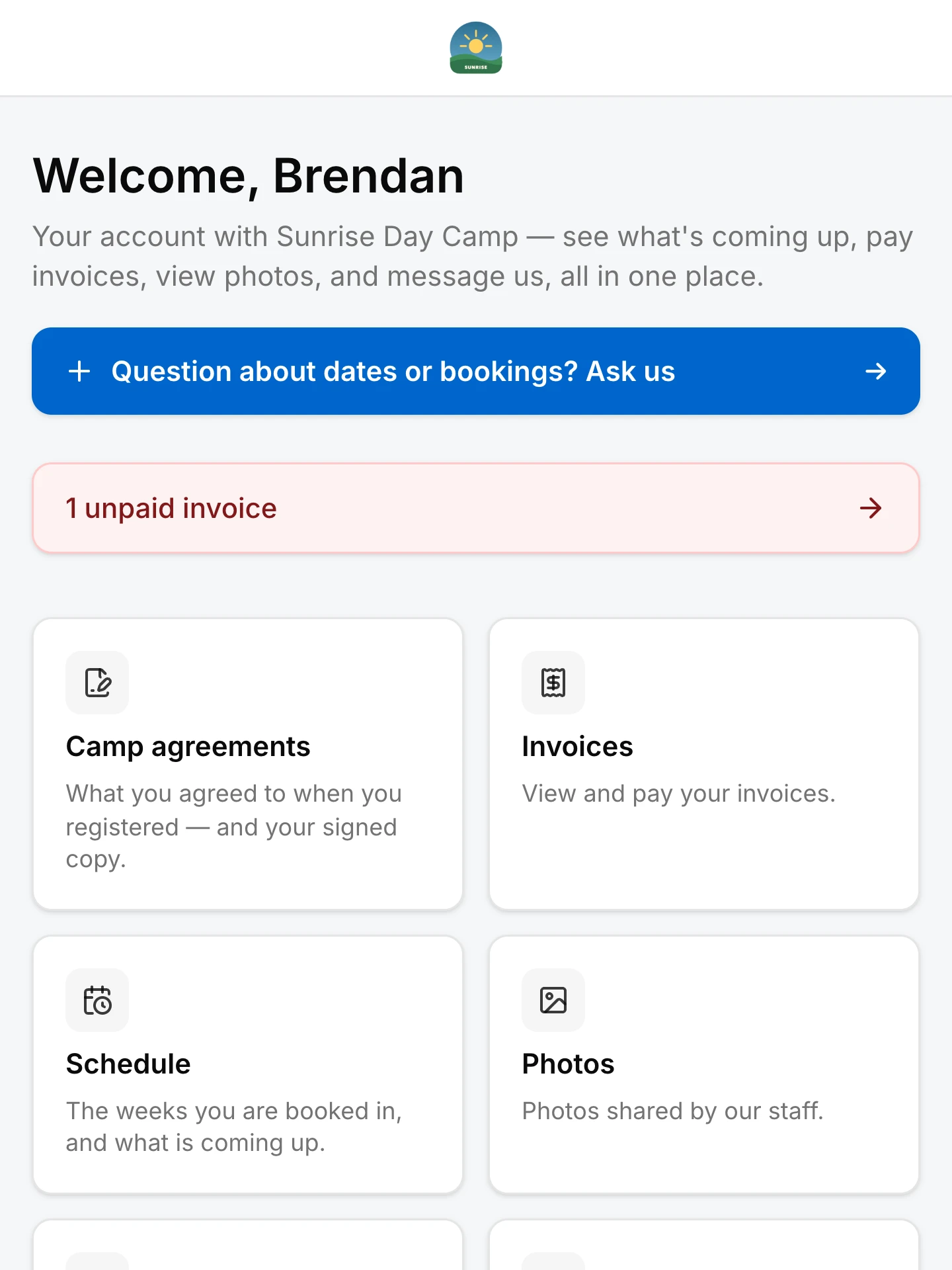
A camp or a club hands each family a page of their own: what they booked, what they owe, the photos and the agreements they signed, the schedule — and a way to pay or ask.
- What they registered for, and their signed copy of what they agreed to
- Invoices to view and pay
- The schedule: the weeks or classes they are booked in, and what is coming up
- Photos shared by your staff
- A question about dates or bookings, asked from the same page
See it on one of your real jobs.
Run your own workflow through Daybook — bring a quote, a messy email thread, or a week of scheduling.
14-day free trial · no card required