Mowing that starts as a recurring plan on a route, a visit log that asks for the product, the rate and the wind that morning, a season-end report that will not let the year close half-written — and a seasonal-programs page on your website. Daybook speaks lawn crew.
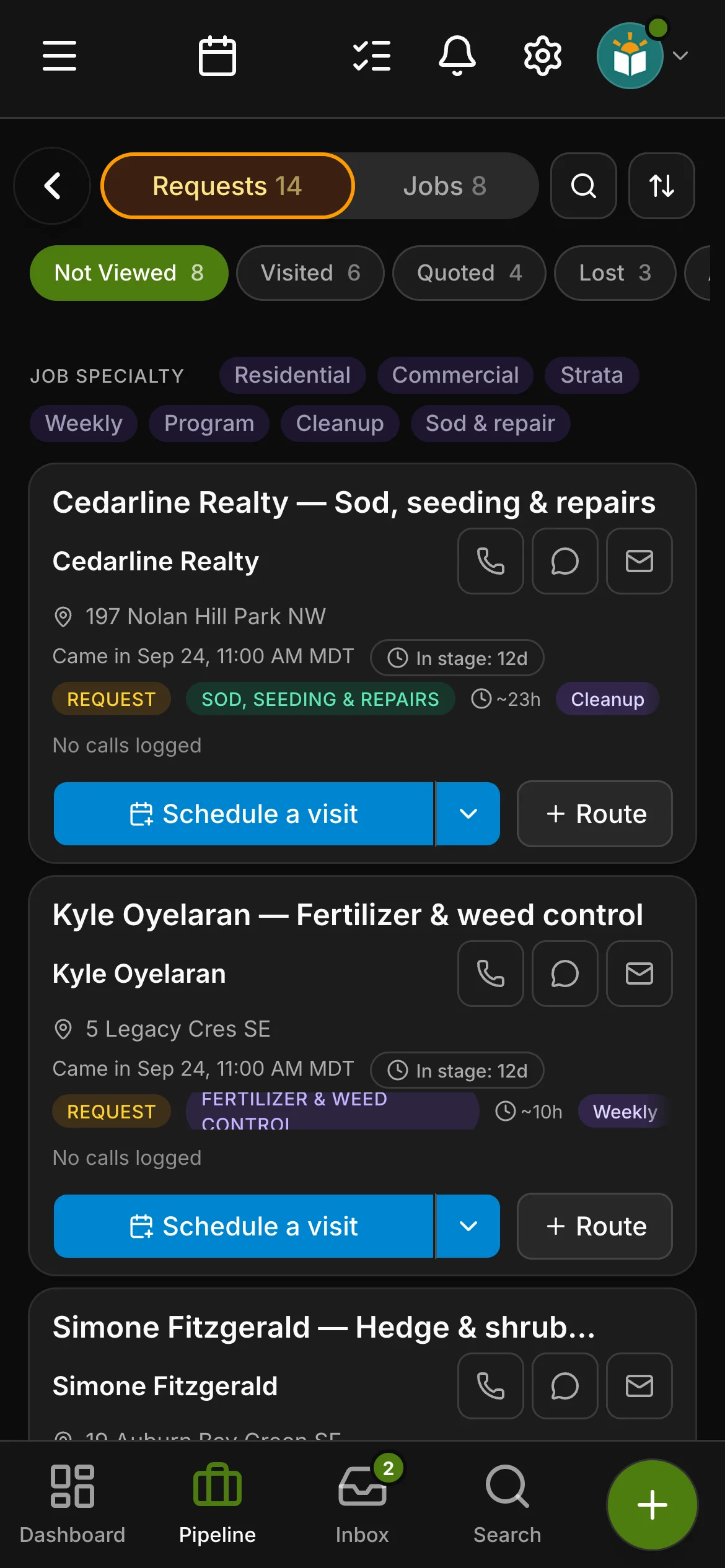
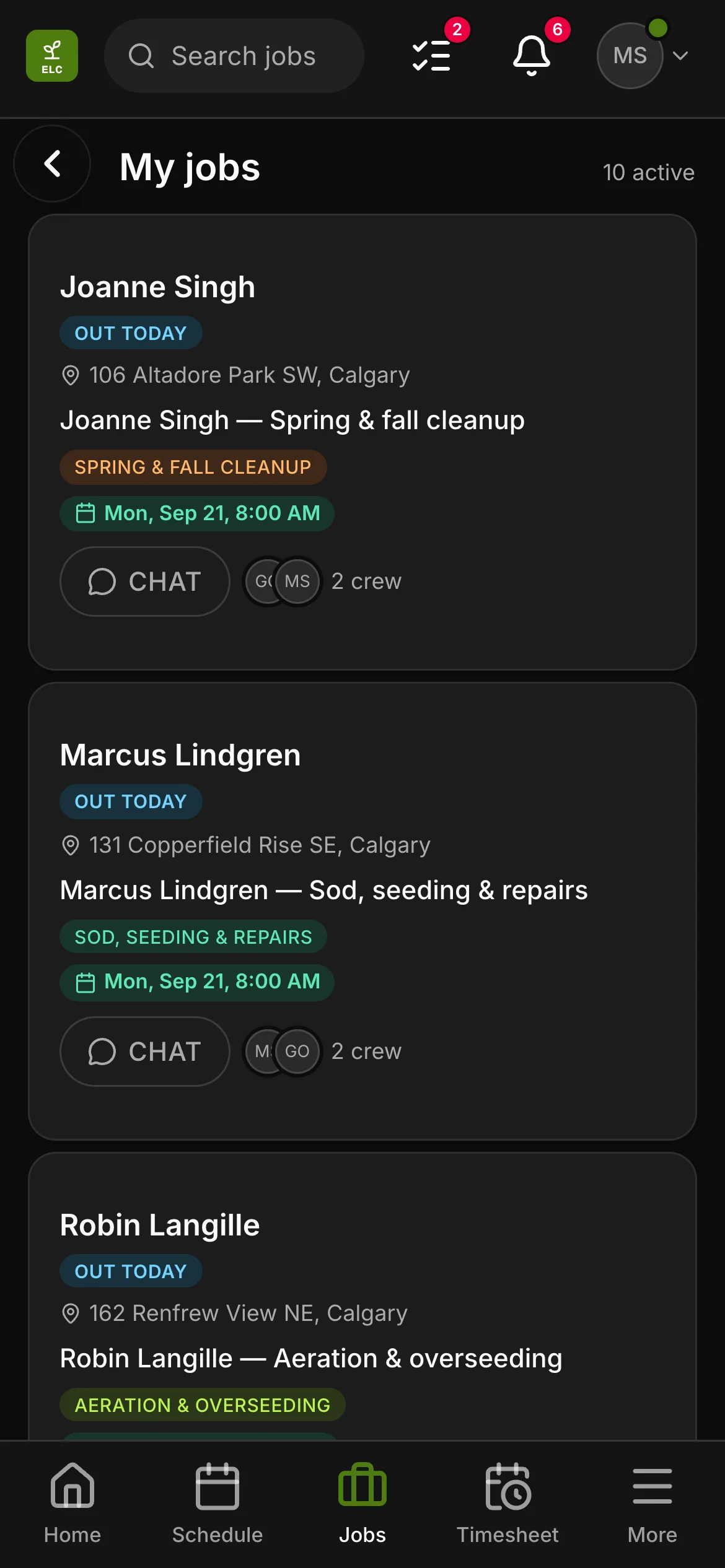
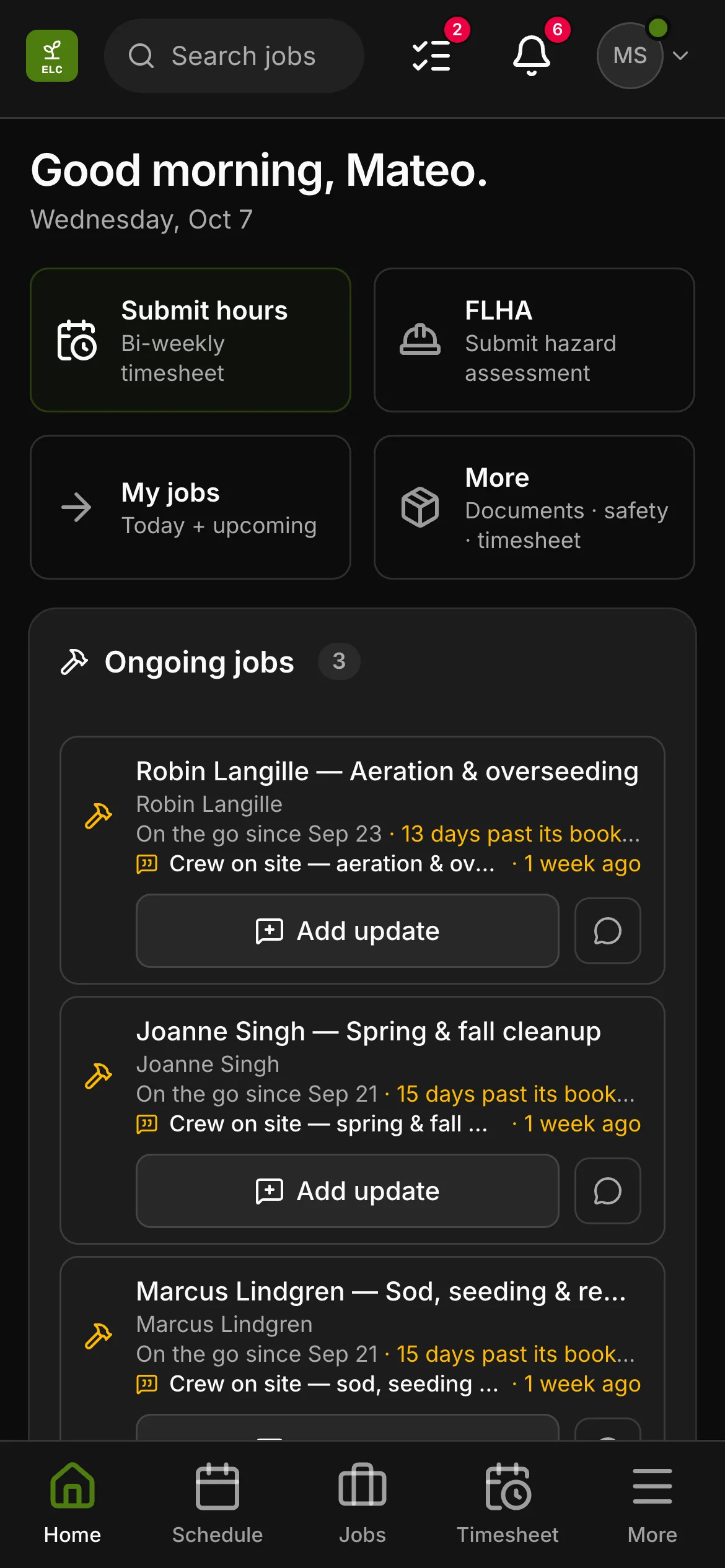
Lawn care is a route trade, and Daybook is shaped for it before you touch a setting: a new job starts as a recurring plan rather than a one-off, the lot is a property rather than a job site, a visit is a visit, and the schedule opens on the map, because a mowing day is settled by geography before it is settled by the clock. The trade’s own half is all here too — weekly mowing, fertilizer & weed control, aeration & overseeding, spring & fall cleanup, hedge & shrub trimming, sod, seeding & repairs and commercial & strata as service types; a property setup sheet, a visit log and a season-end report as checklists; a starter price list from the per-visit cut to a bag of overseed mix; and the words on the screen are a lawn crew’s.
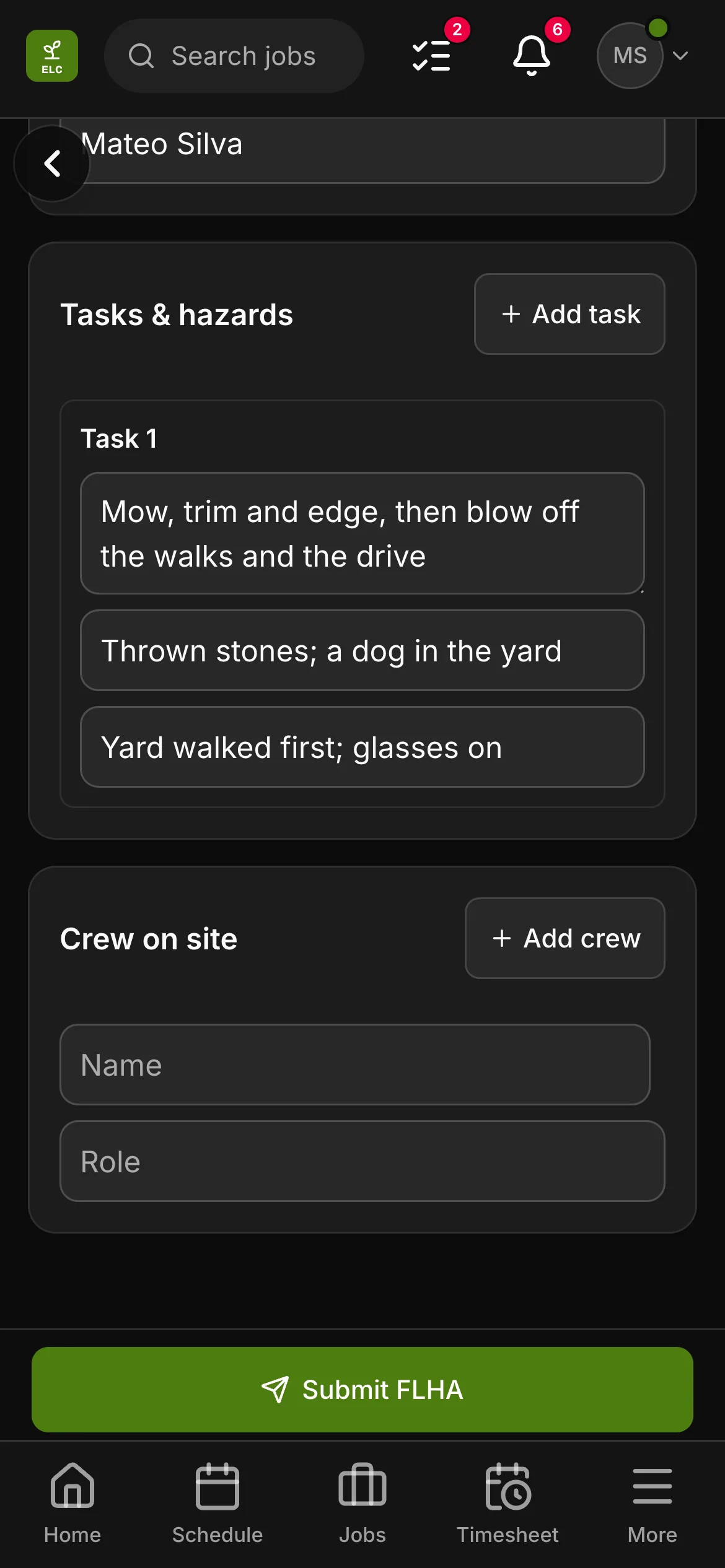
The visit log is the part that earns its keep, because a lawn crew’s work is invisible an hour after the truck pulls away. Each visit records what was done — mowed, trimmed and edged, walks blown off, fertilizer or weed control applied, hedges trimmed, or skipped because it was too wet — the product and the rate that went down, the weather and the wind at the time, whether the gate was latched on the way out, whether anything was damaged, and the note for the client. Come October the season-end report counts the visits and the applications, asks what to fix in spring and whether they are renewing, and holds the job open until it is filled in. A strata that asks what you did in July has an answer that was written in July.
The lawn care toolkit.
On top of everything Daybook does for every trade — the full list is here — lawn care gets its own tools.
Jobs that start as a plan, not a one-off
A new lawn job opens as a recurring plan. Pick weekly or every two weeks and the days it lands on, and the editor counts the visits that makes in the next ninety days before you save; from then on they sit on the schedule and replace themselves as each one is done. An aeration, a sod repair or a one-time cut stays a single job.
The map decides the mowing day
A lawn crew opens the schedule on the map rather than the calendar: every property on the day numbered in the order you will drive it, the run’s drive time and distance over the list, and the order yours to change by dragging. Let it find the shortest run instead and it reorders the day and says what that saved. The calendar is still one tap away.
What the crew asks before the first cut
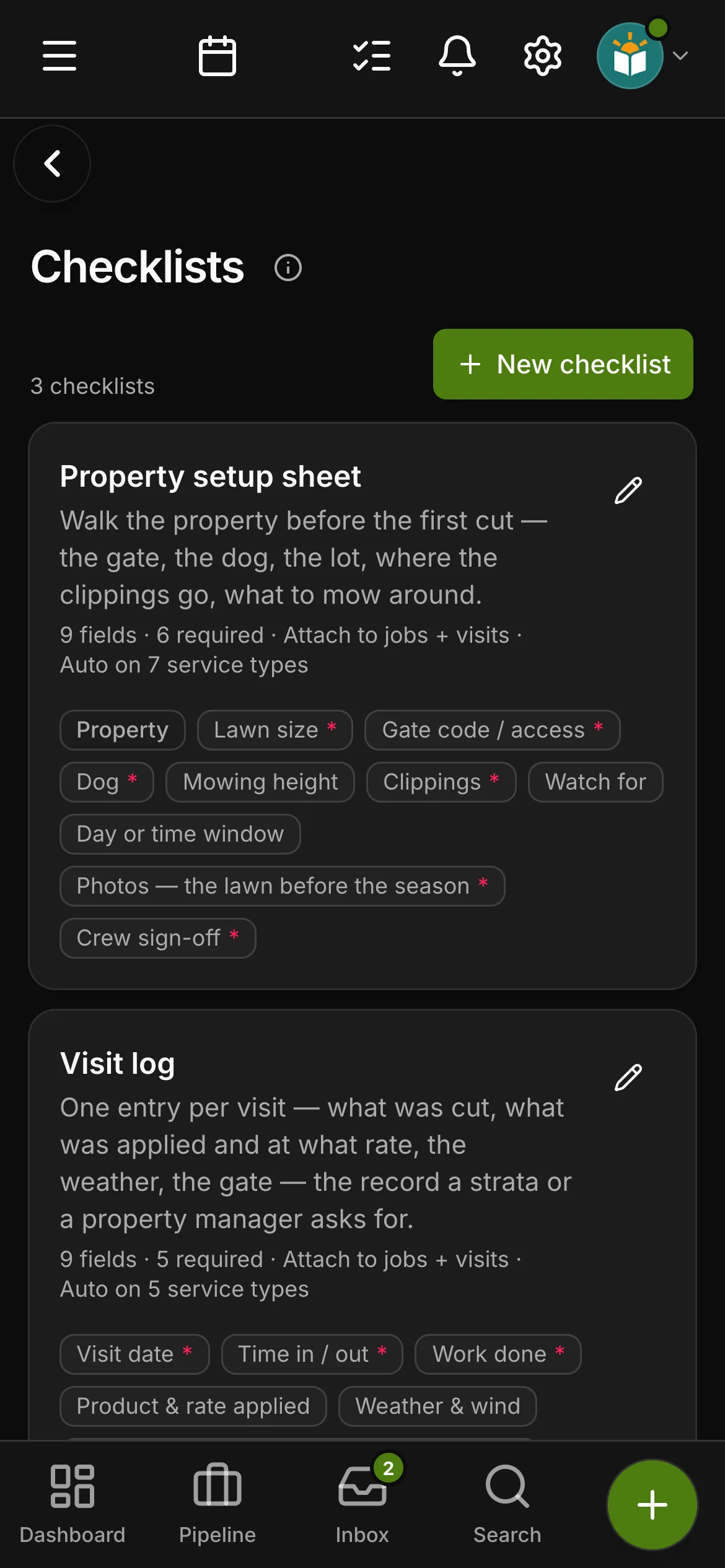
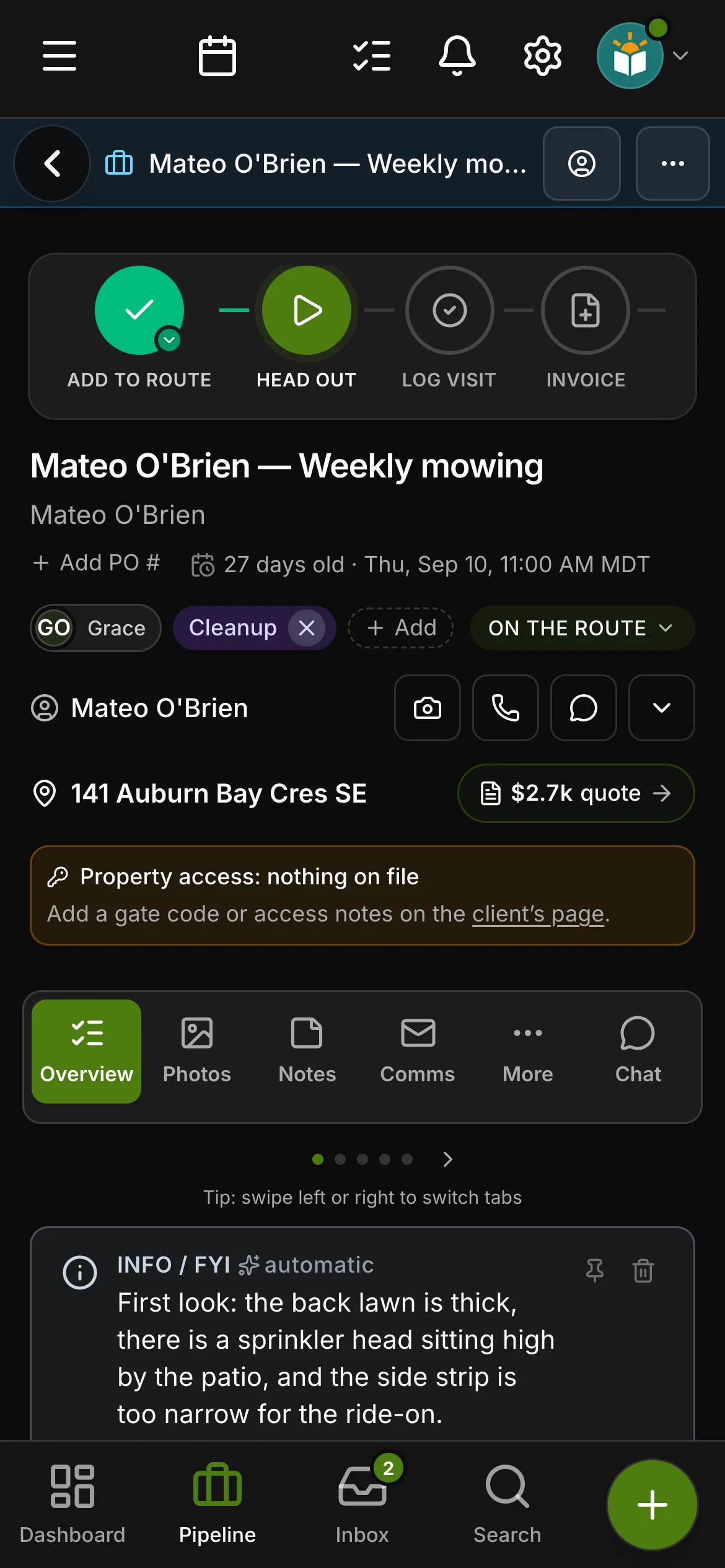
The two things a crew asks before the first cut live on the property and show on every job — the gate code and the access notes — and when there is nothing on file the job says so and points at where to add it. The setup sheet carries the rest: mowing height, whether clippings are mulched, bagged or hauled, and what to mow around.
Checklists written for lawn crewsCrew and up
A property setup sheet from the walk — lawn size, gate, dog, height, clippings, the day or time window, and what to watch for from sprinkler heads to a septic cover; a visit log with the work done, the product and rate applied, the weather and wind and the gate latched; and a season-end report that counts the visits and the applications and asks what to fix in spring — attached to the right jobs automatically.
A lawn care price list, ready to price
Mowing and trimming per visit, large lots and commercial per visit, edging, a one-time cut, a whole season weekly or every two weeks, fertilizer and weed-control rounds and the five-round program, grub, lime and winterizer applications, core aeration, overseeding, dethatching and topdressing, spring and fall cleanups, leaf removal, bed edging and mulch, hedges by the hour or the foot, sod, seeding, topsoil and levelling, seed, fertilizer and mulch by the bag, aerator and sod-cutter rentals, the trip charge off the route and yard-waste disposal — a labelled starter list on day one, with your own prices on it.
AI that knows the trade
Cut, trim and edge, round and application, aerate and overseed, cleanup, lot, route and property — drafts and job summaries use a lawn crew’s vocabulary, and the auto-classifier knows that leaves and a blow-out are a cleanup rather than a cut, that a program of rounds is fertilizer and weed control, and that a strata, a plaza or anything with a property manager is commercial even when it also mentions mowing.
The words on the screen are yours.
This is not copy — it is what the app says to lawn care businesses, word for word. Most trades see the left-hand word; you see the right.
site visitvisit
Schedule visitSchedule a visit
Job siteProperty
Site contactProperty contact
Different address than jobsiteDifferent address than the property
Job typeService type
A lawn care website, live day one.
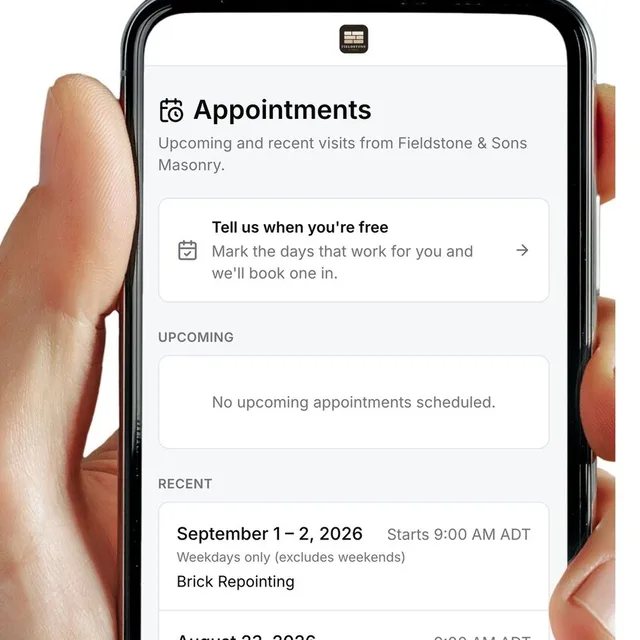
Your account starts with a real lawn care site template — a seasonal-programs page included, laid out as the steps of a season from the spring cleanup to the last fall cut — edit it in the app, and the quote-request form drops leads straight into Daybook.
Edited in the app — photos and changes live when you press Publish
A seasonal-programs page, written for lawn crews
A quote form that asks the lot, the work and when the season should start
Bring your own domain — we set it up with you
Bring a real season. Watch it priced.
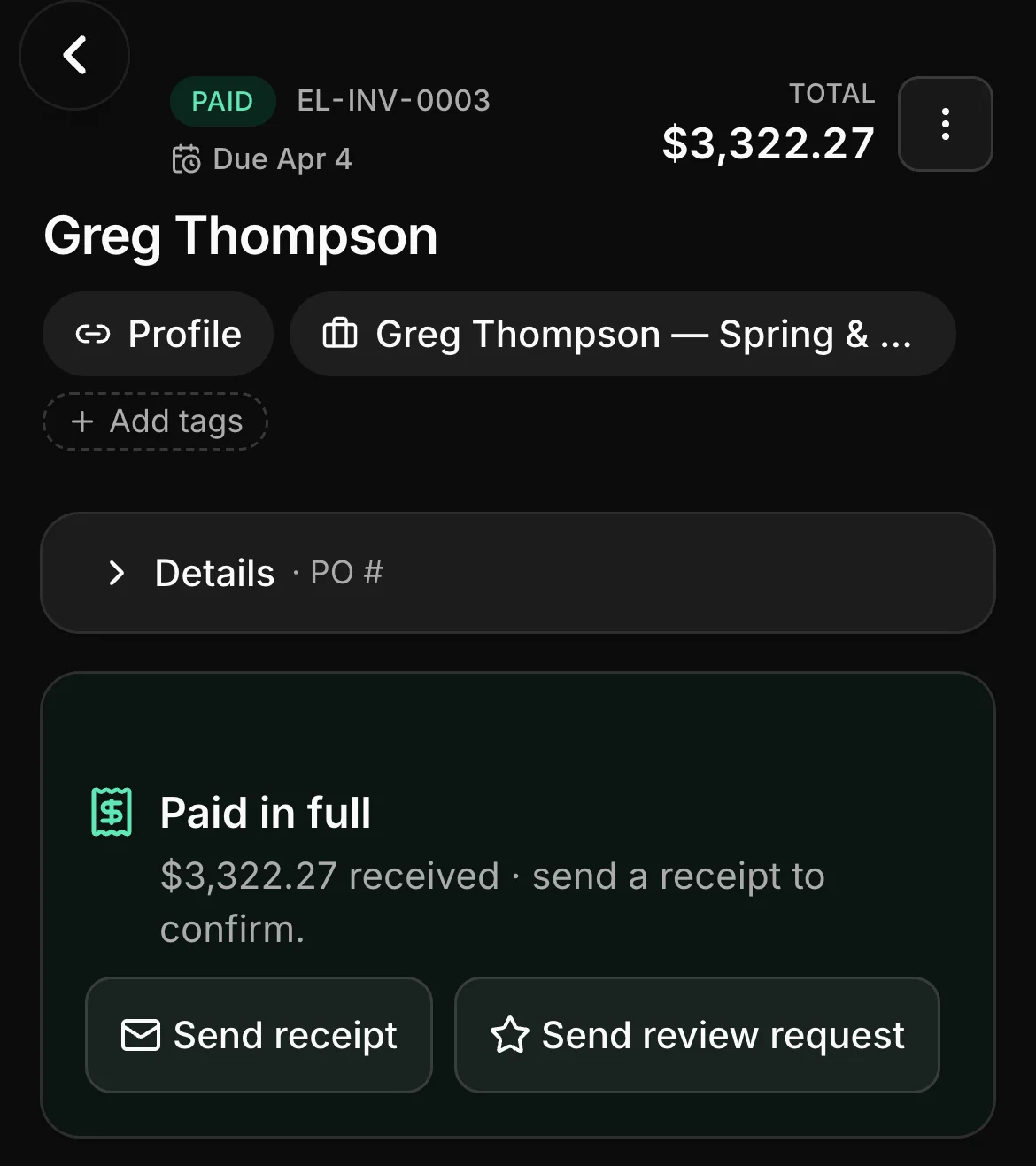
Your own lawns beat any feature list — put the cuts and the rounds on one quote, then open the map on a mowing day.