Skip to content

14-day free trial on Crew — no credit card required.

Excavation & site work

The CRM that prices the hole, the hour and the load.

Machine time by the hour, trench and weeping tile by the foot, gravel by the tonne and haul-off by the load — with the locate ticket and its expiry on the pre-dig form before the bucket moves. Daybook speaks excavation.

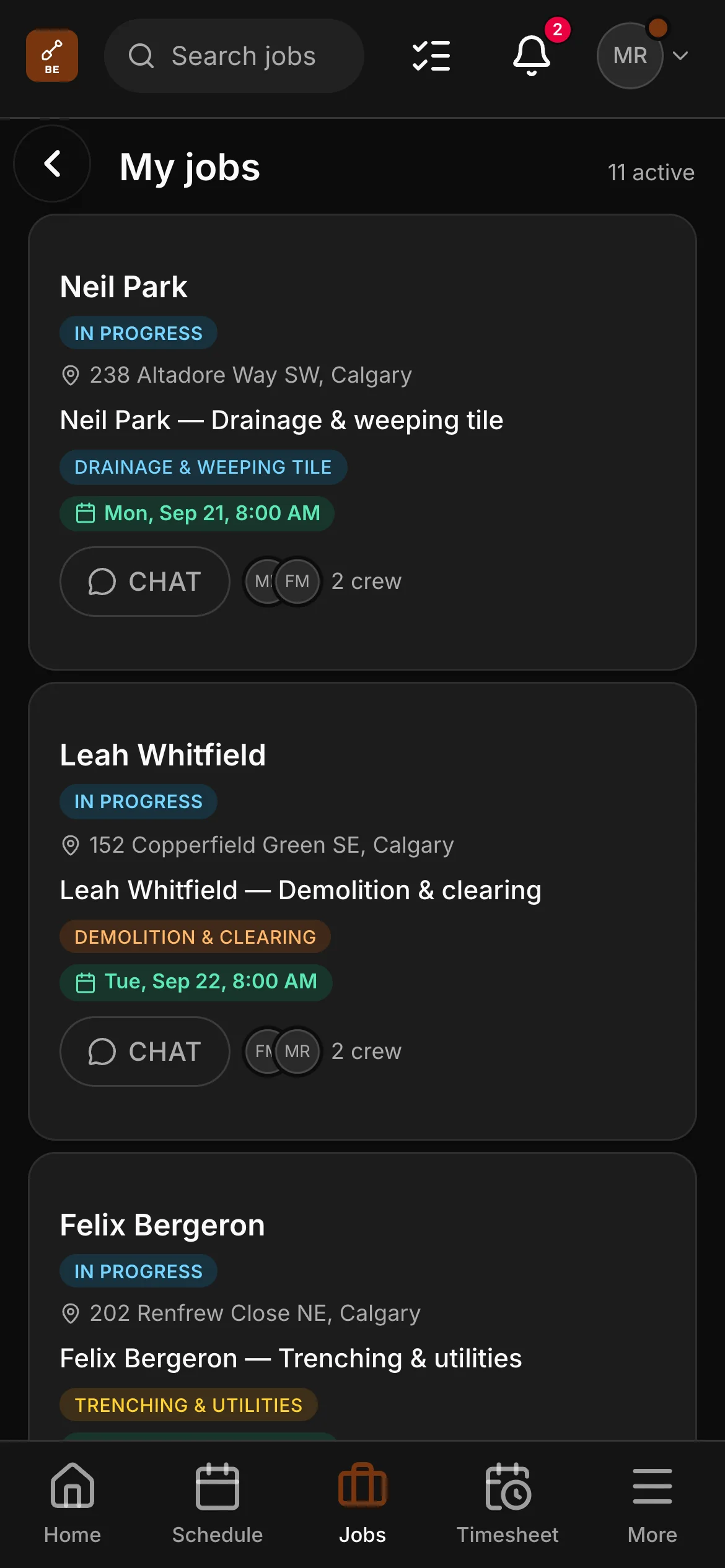
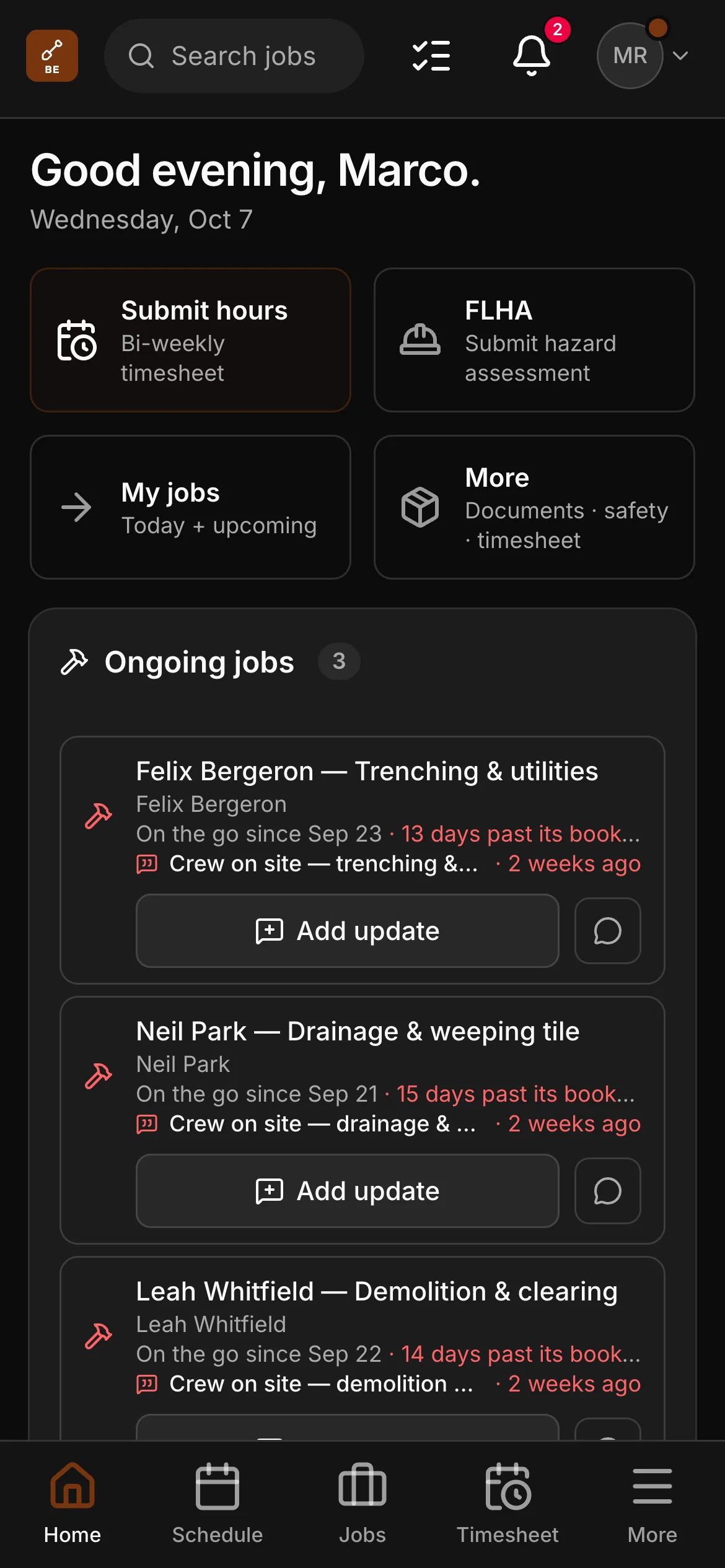
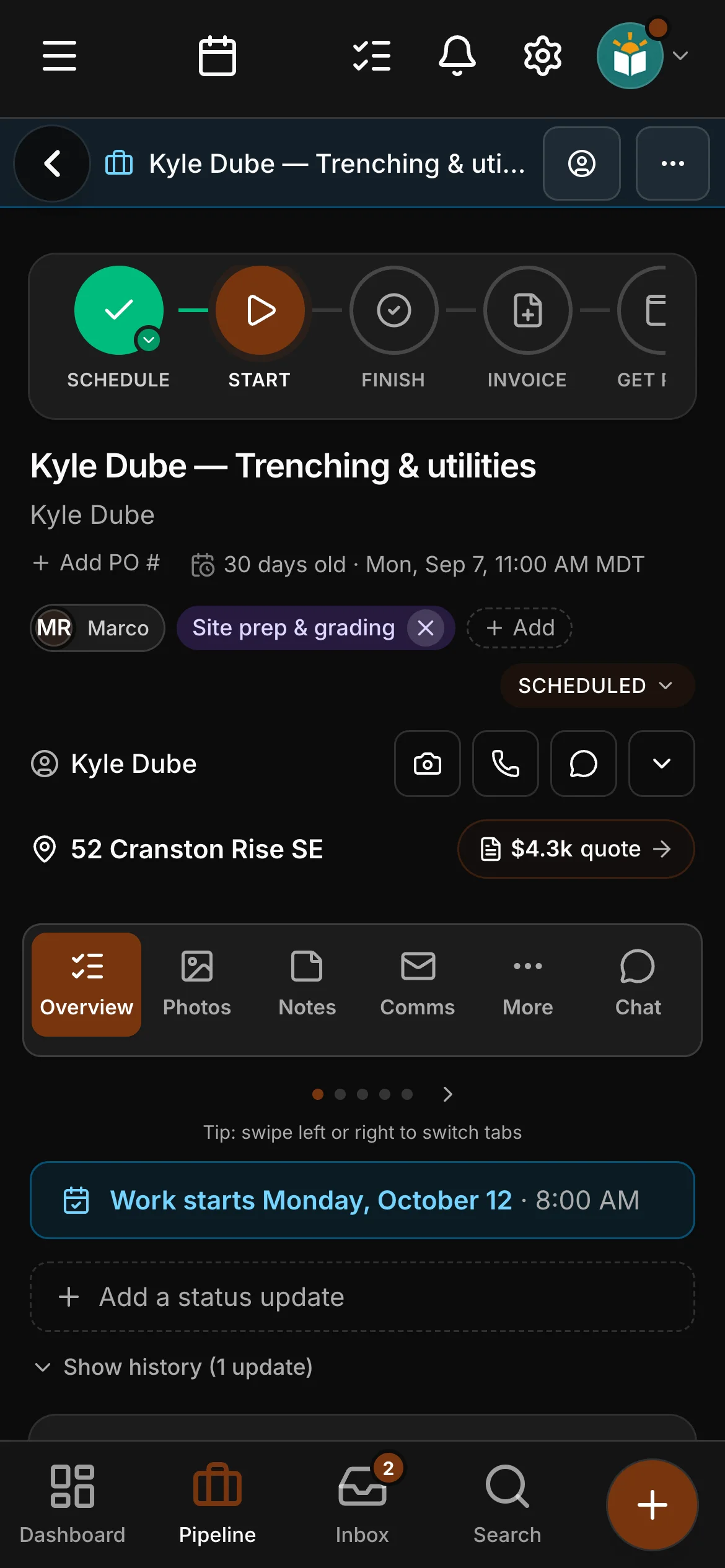
Excavation is a project trade, and the app was built for project work: a lead, a site visit to walk the lot, a quote, a win, a few days of machine time, an invoice. Not a template with a different noun in the headline: excavation has its own job types, its own checklists, its own quoting words, its own price list and its own website, and every screen that used to say brick or stone says dig, grade or load to an operator.

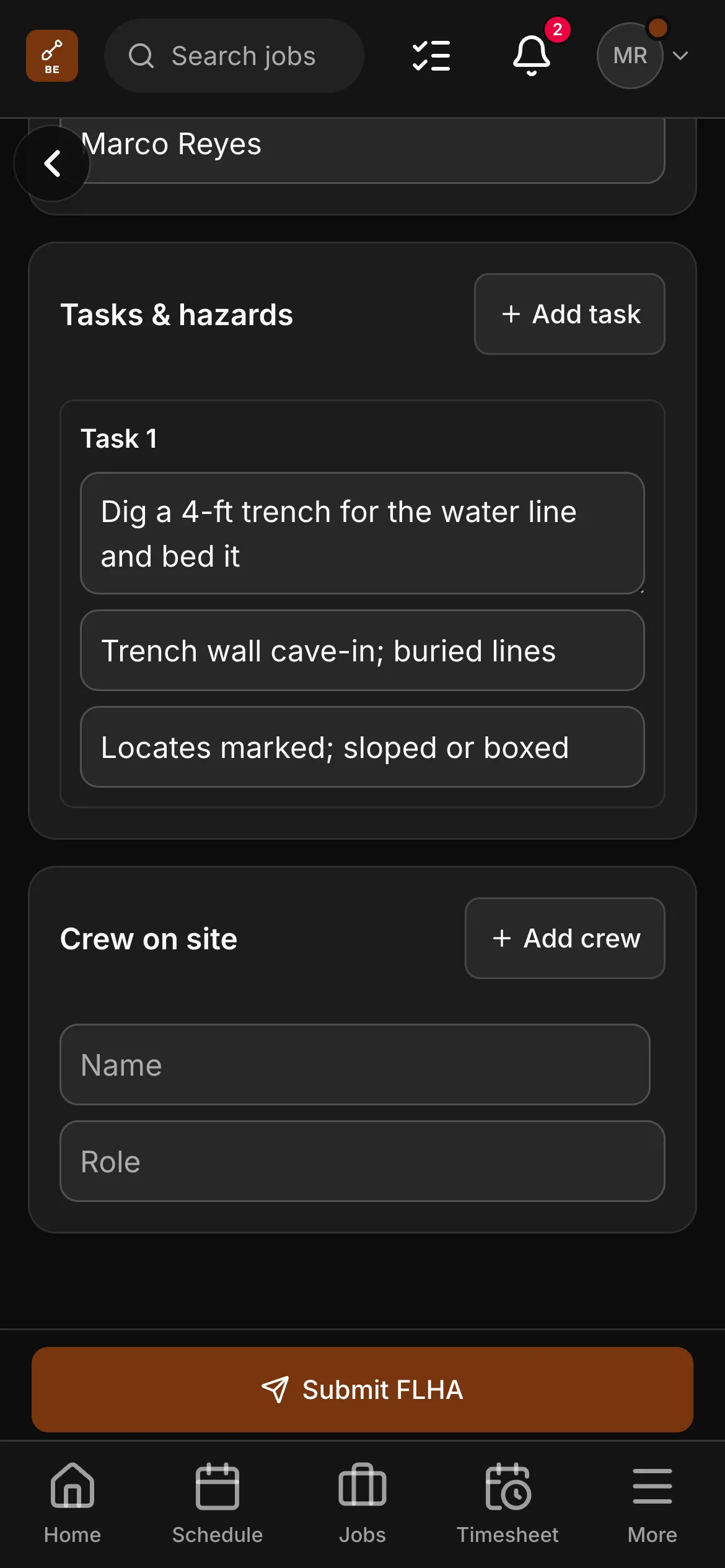
The machine day log is the part that earns its keep. One entry a day — machines and hours, who ran them, loads in and loads out, the ground and the weather, whether a marked line had to be hand-exposed, whether water came in or rock turned up — and that is the record an hourly invoice and an argument about a damaged line are both settled on, with the photos attached to the same job.

The excavation & site work toolkit.

On top of everything Daybook does for every trade — the full list is here — excavation & site work gets its own tools.

Quotes built line by line from your price list

Excavator, mini, skid steer, backhoe and dozer by the hour with the operator on them; float in and out, standby and a half-day minimum; the basement dig by the job; trench by the foot, split into water, sewer and conduit; weeping tile and French drain by the foot; pit run, crush, clear stone and topsoil by the tonne or the yard; haul-off by the load — a list, not a takeoff, because that is how an excavator prices.

An excavation price list, ready to price

Machine time and float, locate requests and private locates, hand-exposing a marked line, silt fence and staking, stripping, rough and finish grade, footing trench and backfill in lifts, culverts, catch basins and swales, septic tank setting and bed sand, demolition, stumps and land clearing, aggregate by the tonne, tandem and driver, tipping fees and the spring settlement top-up — a labelled starter list on day one, with your own prices on it.

Checklists written for excavatorsCrew and up

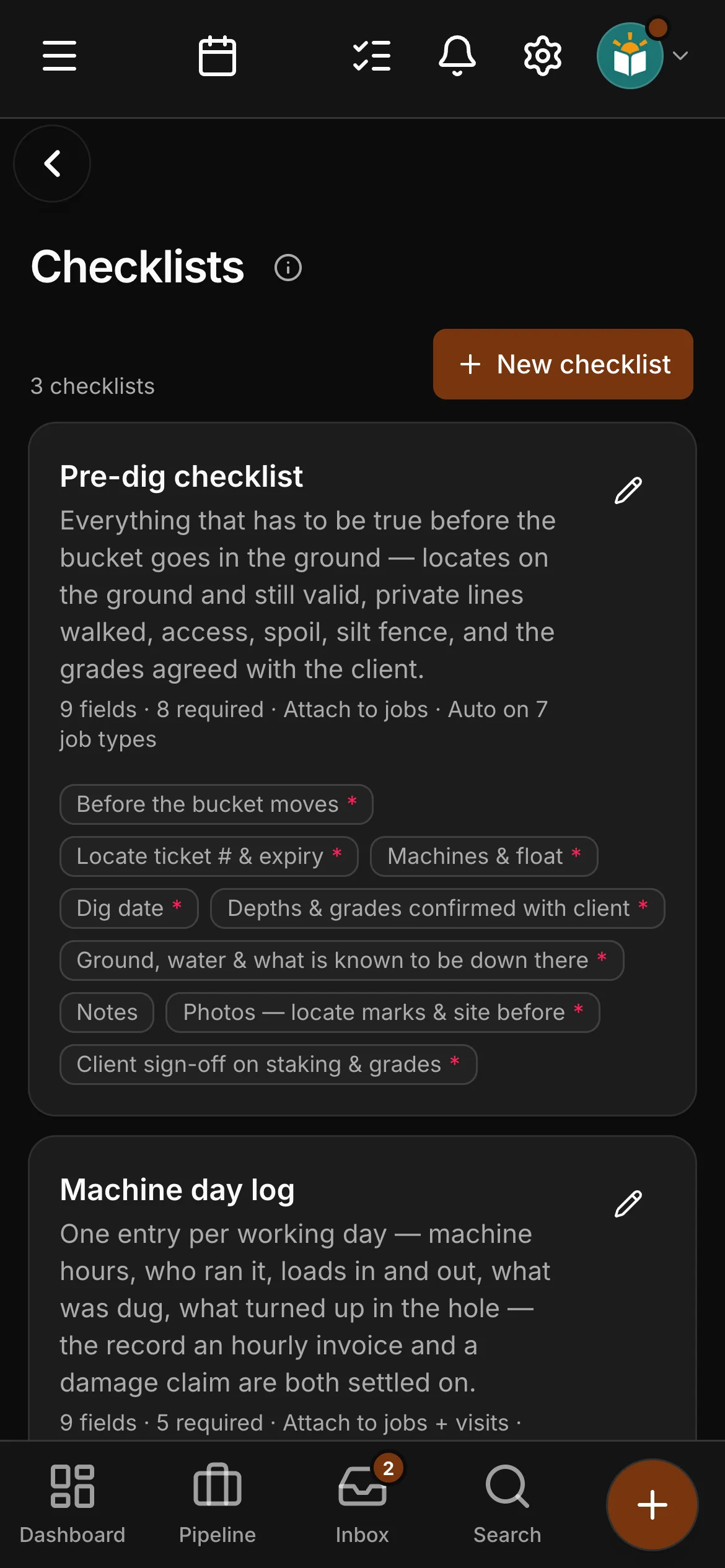
A pre-dig form with the locate ticket number and its expiry on it, the private lines walked with the owner, the corners staked, access and spoil agreed and the grades signed off by the client; a machine day log per working day; and a backfill & handover with the as-built depths, what will settle over the winter and the client’s signature — attached to every dig automatically, and the handover has to be done before the job can be marked complete.

Quotes and paperwork in your words

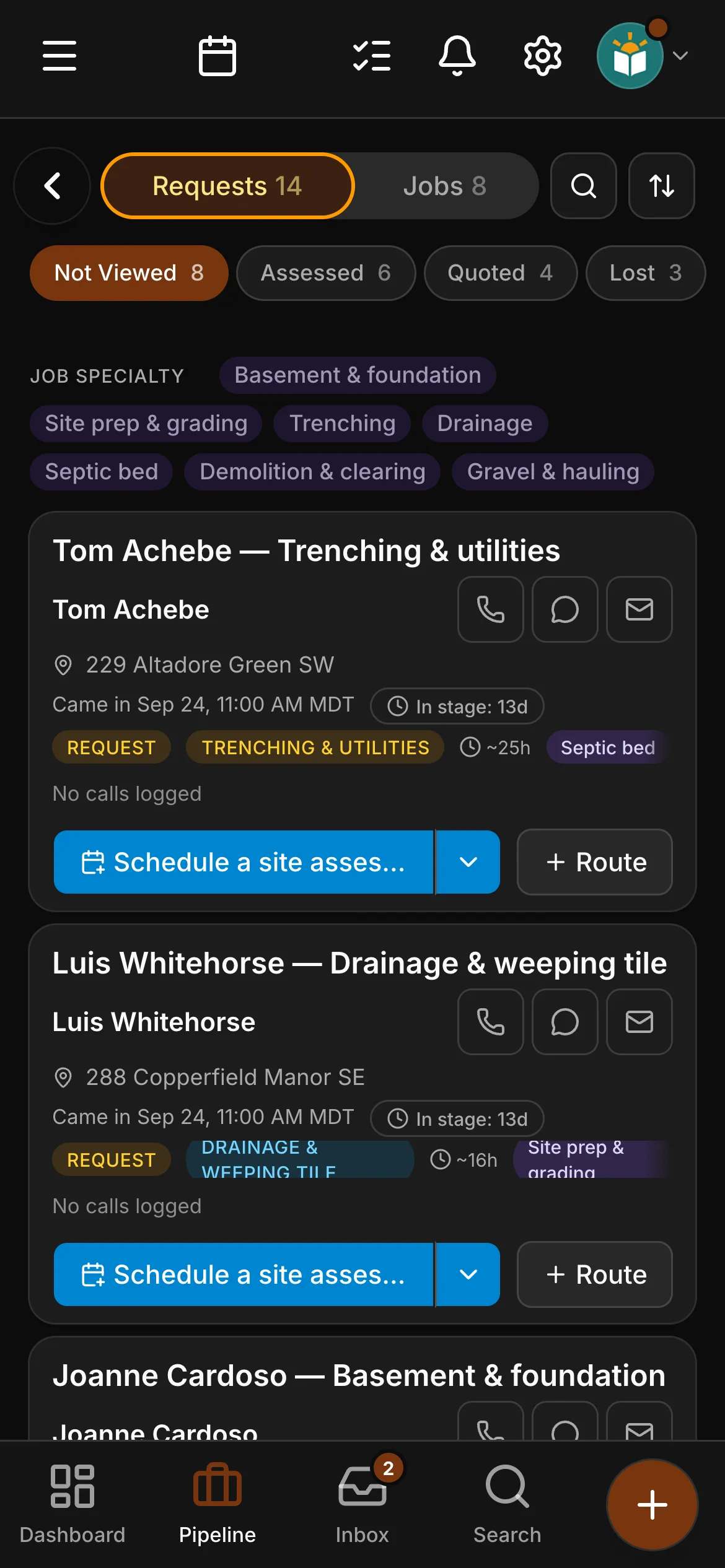
Basement and foundation, site prep and grading, trenching and utilities, drainage and weeping tile, septic bed and tank, driveway, gravel and hauling, demolition and clearing — the job types, the quoting examples and the document preview all speak site work, down to a sample quote with the hole by the job, the trench by the foot and the clay hauled out by the load.

Tags for who sends you the work

Referral, builder / GC, septic installer and municipality / utility as marketing sources; basement & foundation, site prep & grading, trenching, drainage, septic bed, demolition & clearing and gravel & hauling as job specialties; homeowner, builder / GC, developer and commercial as client tiers — seeded on day one, yours to edit.

AI that knows the trade

Locates and the ticket, hand-expose, strip and spoil, cut and fill, rough and finish grade, subgrade, lifts and compaction, bedding, clear stone, pit run and 3/4 crush, weeping tile, invert and as-built — drafts and job summaries use an operator’s vocabulary, and the auto-classifier tells a septic bed from a foundation drain and a service trench from a drainage run.

An excavation website, live day one.

Your account starts with a real excavation site template — a site-preparation page included — edit it in the app, and the quote-request form drops leads straight into Daybook with the job address already on them.

  • Edited in the app — photos and changes live when you press Publish
  • A site-preparation page, written for site work
  • Quote-request form that mints a real lead
  • Bring your own domain — we set it up with you

Put a week of machine time on a quote.

Your own numbers beat any feature list — the hours, the loads and the float, priced off your own list and out the door.

14-day free trial on Crew · no card required