
Features · The crew app
Off their phones, into the job.
Clock-in, timesheets, safety forms, material requests and photos — from the crew’s phones, even where there’s no signal. And field seats are free and unlimited on Crew and Company.
On site
Everything the site needs, on the phone already in their pocket.
The crew clocks in, ticks the checklists, files FLHA safety forms, requests materials and captures photos — offline if it has to be, syncing when signal returns. It installs from the browser on iPhone and Android: there is no app store to go through.
- Crew app — clock-in, timesheets, FLHA, materials requests
- Photo capture that works offline and syncs when signal returns
- Checklists your crew ticks off on site
- On iPhone and Android, installed from the browser — no app store
-
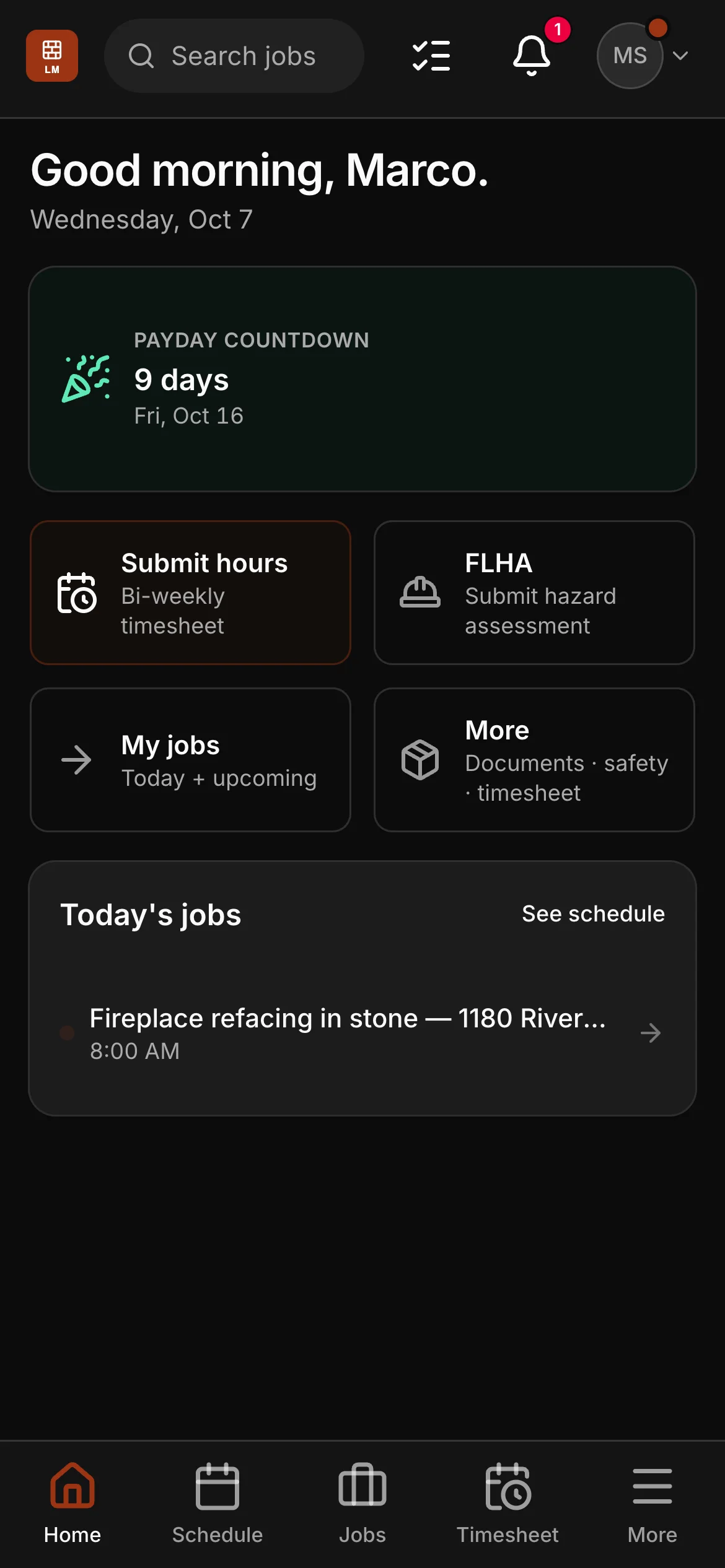
Their day. Today’s jobs on the home screen, with their hours, the FLHA and every job one tap away.
-
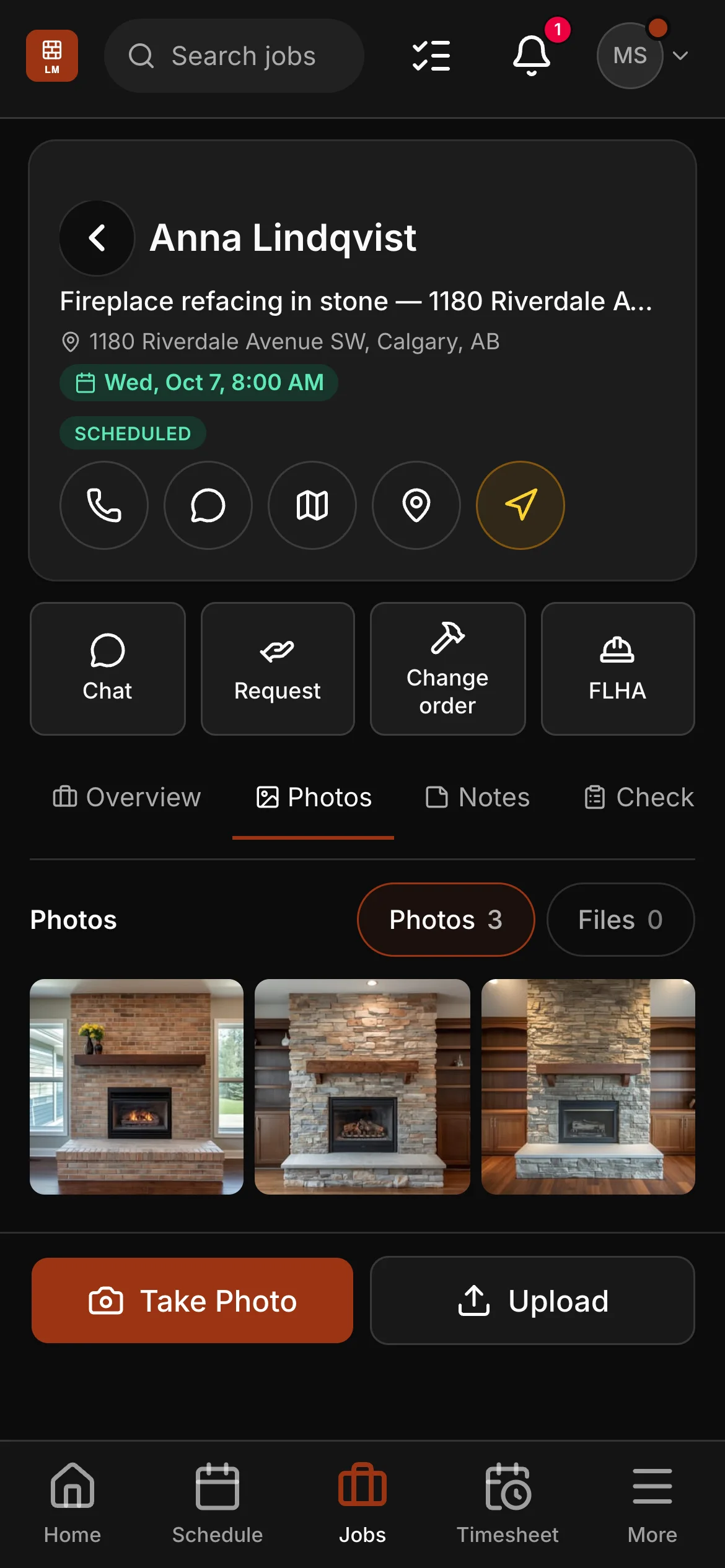
The job. Call the client or get directions, chat with the office, ask for materials or a change order, and add photos.
-
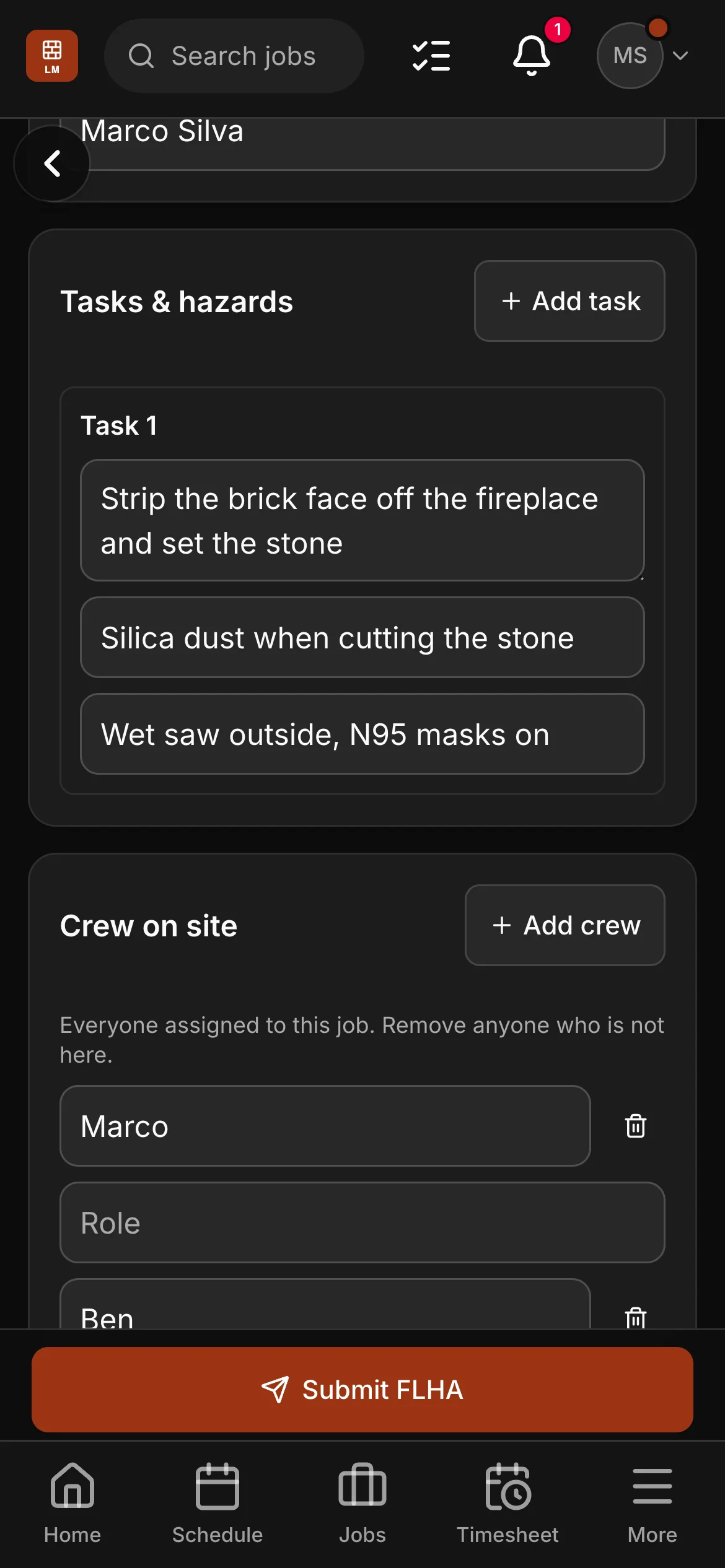
Safety first. The FLHA opens from the job with the site, the contact and the crew filled in — they add the task, the hazard and the control.
-
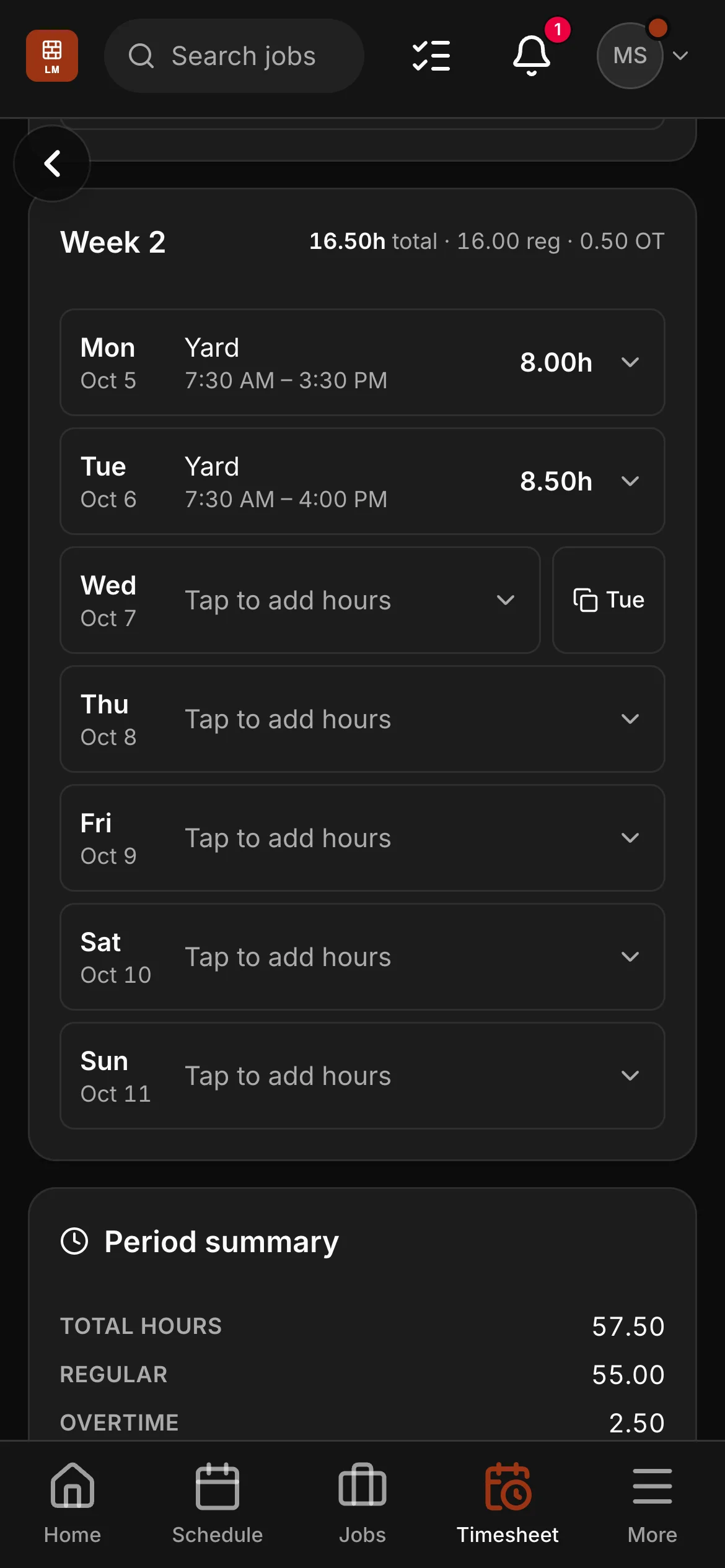
Hours in. Day by day for the pay period, overtime worked out by your rule, then submitted from the phone.
What it adds up to
Hours in. True job cost out.
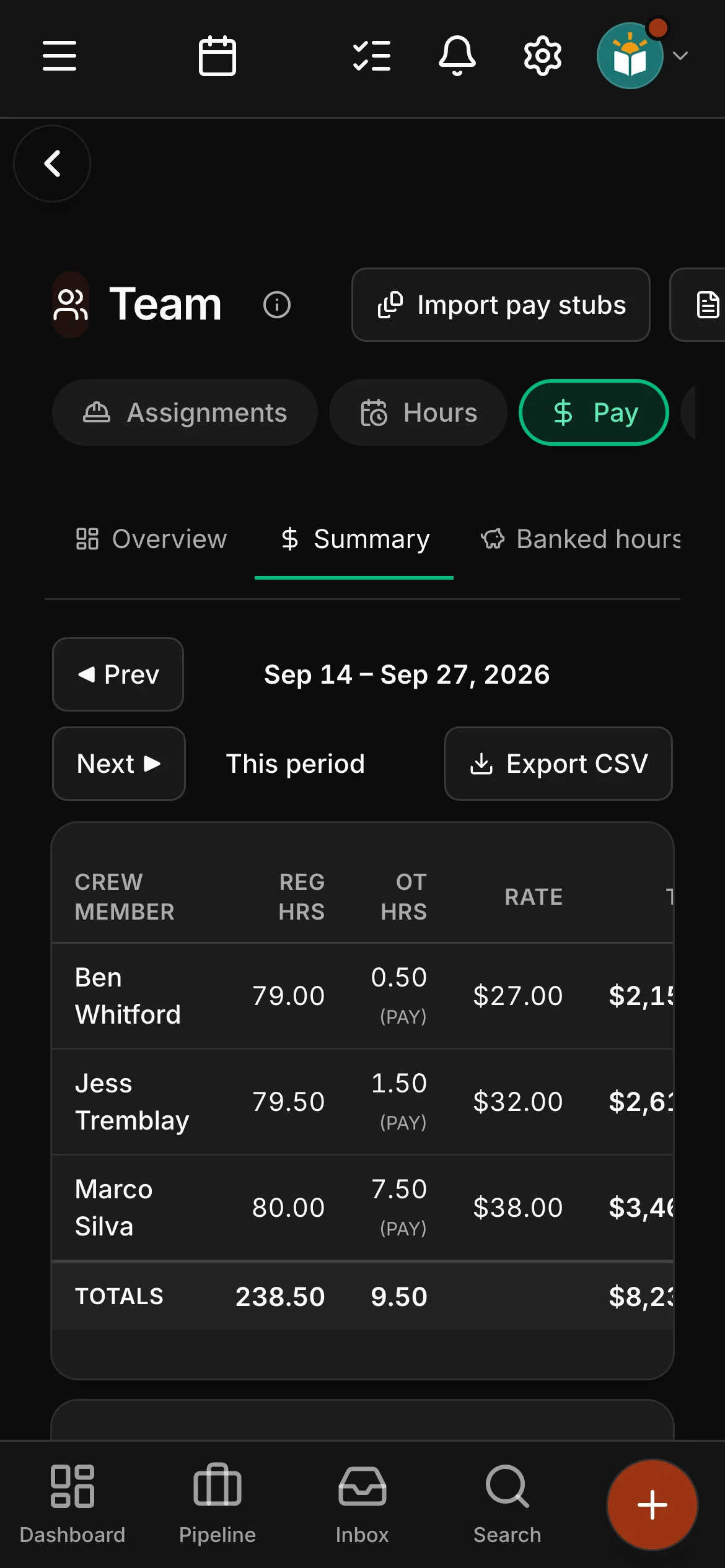
Hours come in off their phones onto a timesheet for your pay period, overtime is worked out by the rule you set, and the pay run exports as a CSV for payroll. The same hours, tagged to a job, become that job’s true labour cost.
- Hours off their phones, overtime by your rule, a payroll CSV
- True job cost, from the hours actually logged
- Timesheets by the pay period, and a reminder to anyone who has not sent theirs
See it on one of your real jobs.
Run your own workflow through Daybook — bring a quote, a messy email thread, or a week of scheduling.
14-day free trial · no card required