
Features · Website & marketing
A website that’s included. Live day one.
Edit it inside the app — photos and changes go live when you press Publish. The quote-request form drops real leads into Daybook, and marketing campaigns give you a launch page with private links to sell from.
Your website
Edited by you, in the app you already use.
A trade, a rep agency, a club, a camp or a daycare starts from a website written for its work, in a look made for that kind of business — a trade picks from eight — with the blocks it needs. Change any word where it sits; nothing goes live until you press Publish. Your own domain is on the top plan or an add-on.
- Every word edited where it sits — live when you press Publish
- Looks and blocks chosen for your kind of business
- Your own domain on the top plan, or as an add-on

From your phone
Every page and every word, from your phone.
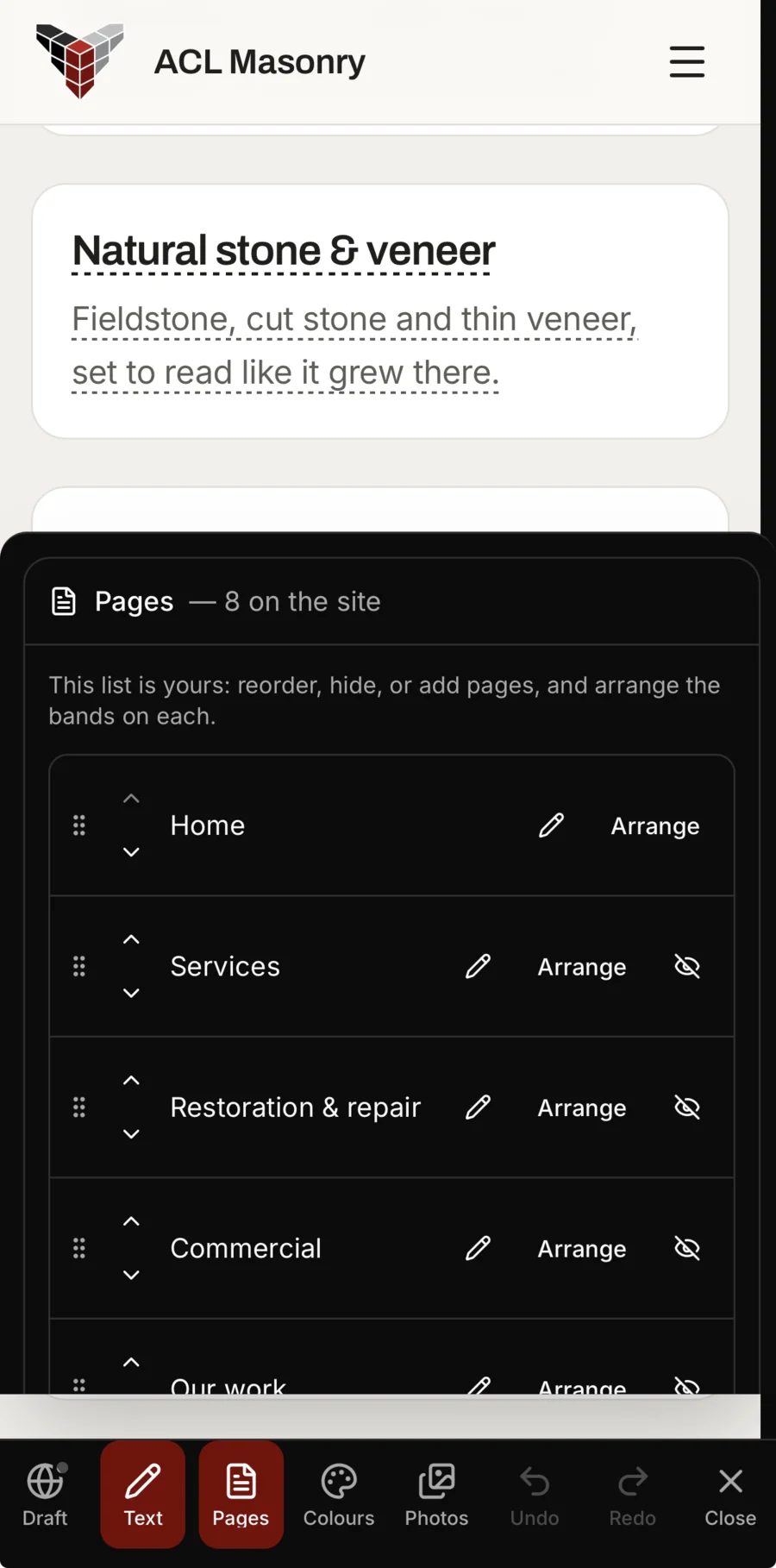
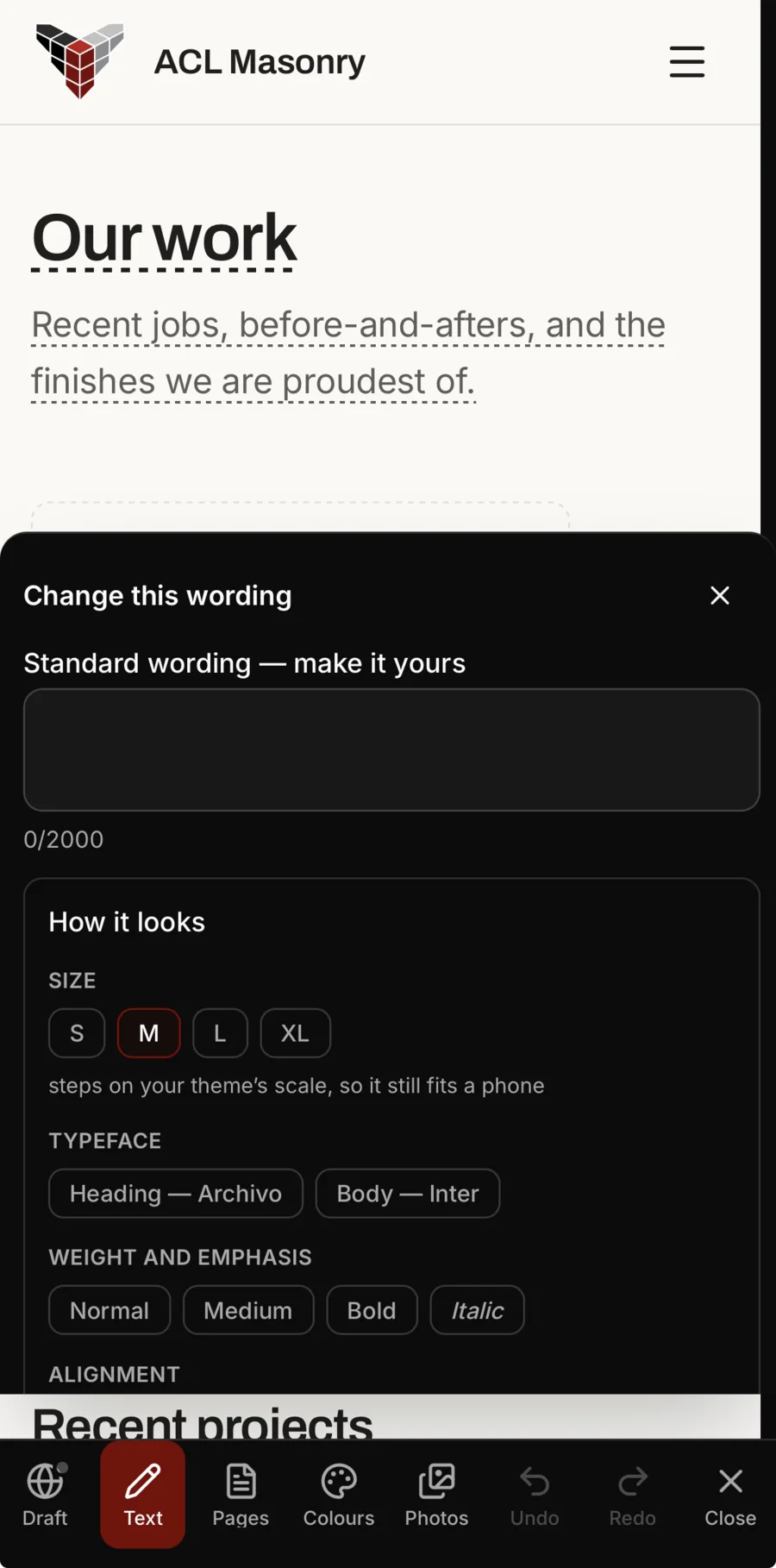
The editor fits in your hand. Tap any words on your site to write your own, and set their size, typeface, weight and alignment on your theme’s own scale, so they still read on a phone. Open Pages to rename, reorder or hide a page, add a new one, and arrange the bands on each. It saves as you go, and none of it is public until you press Publish.
- Words, sizes and typefaces changed where they sit
- Pages renamed, reordered, hidden or added
- The bands on each page arranged by you
Your shop
Your own gear, sold beside your work.
Sell hoodies, hats and anything else with your name on it: a photo for each colour, youth or adult sizes in a tap with a little more for the big ones, and the stock of every colour and size counted, so your shop never sells more than you have and says “Only 2 left” when a size runs low. It sells from your website and from your client’s portal.
- Colours, sizes and a price for each
- Stock counted by colour and size
- Sold from your website and your client’s portal
Selling online by card comes with the middle and top plans of every rate card (Crew and Company, for a trade), or as an add-on on the smallest. Listing your products and showing them on your website come with every plan.
-
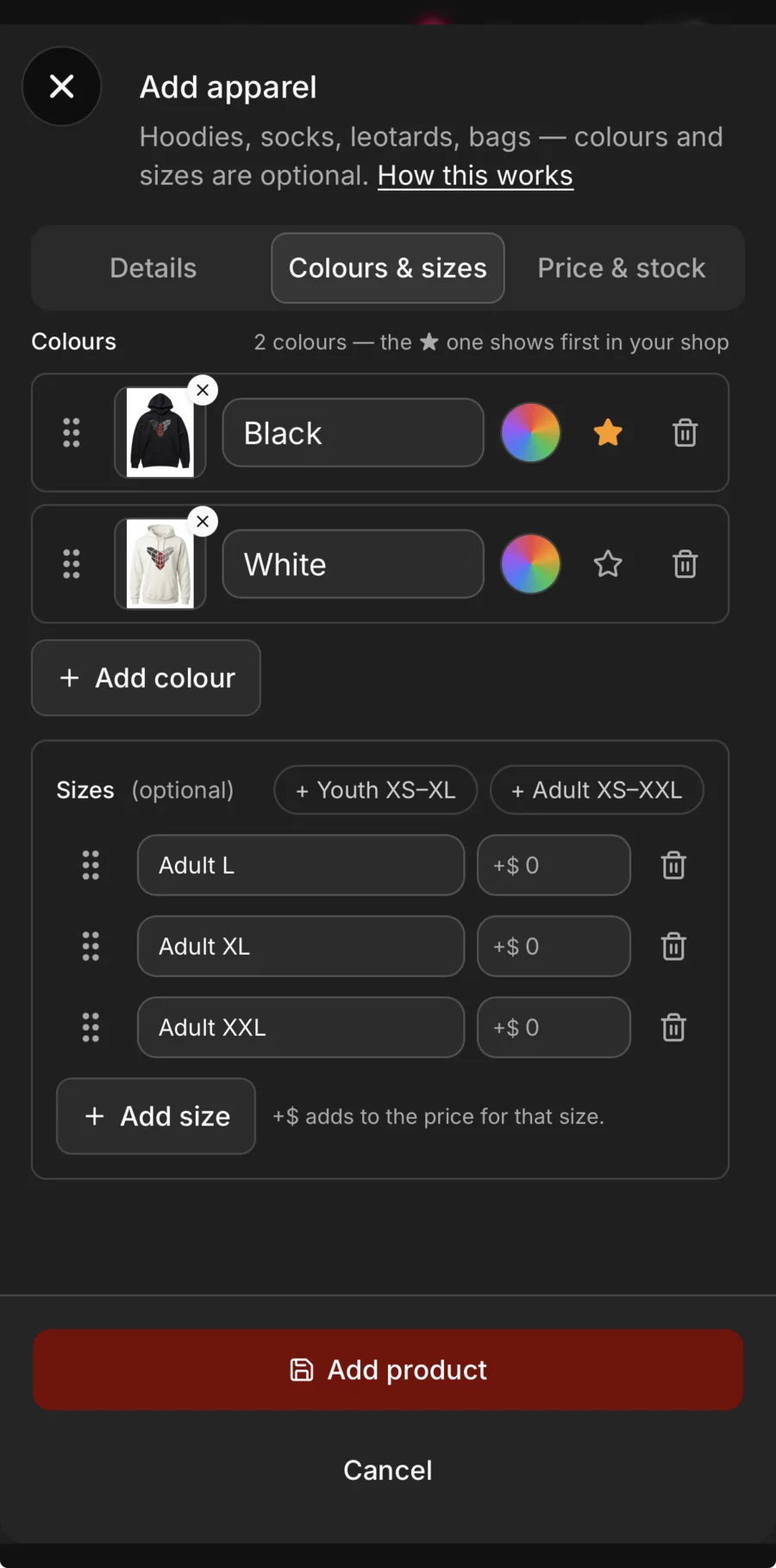
Colours and sizes. A photo for each colour, youth or adult sizes in a tap, and a little more for the big ones.
-
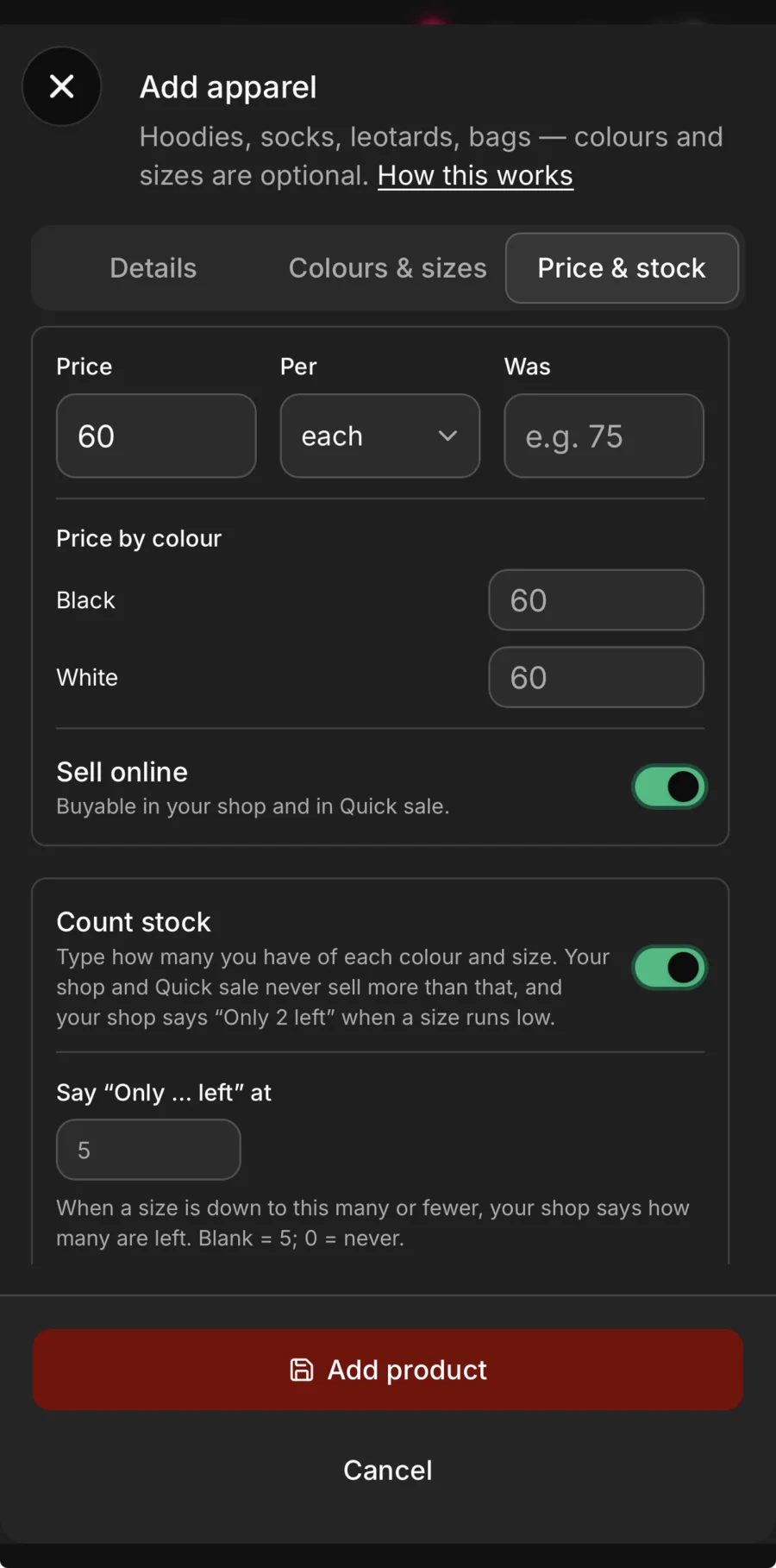
Count it. Stock by colour and size — your shop never sells more than you have, and says “Only 2 left” when a size runs low.
-
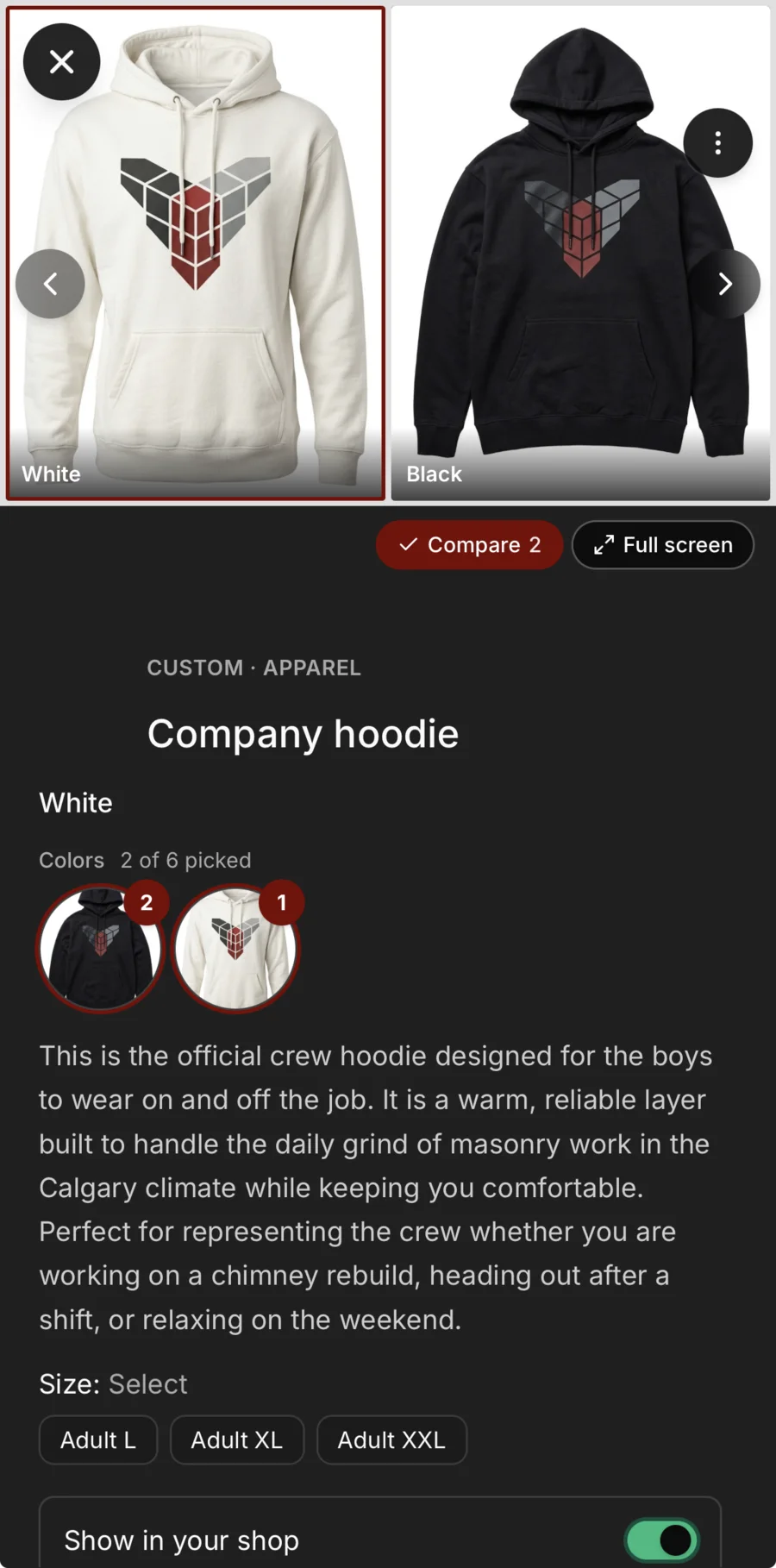
Its own page. Every colour, its sizes, and one switch to show it in your shop or hide it.
Leads and campaigns
The form is a lead. The campaign is a page.
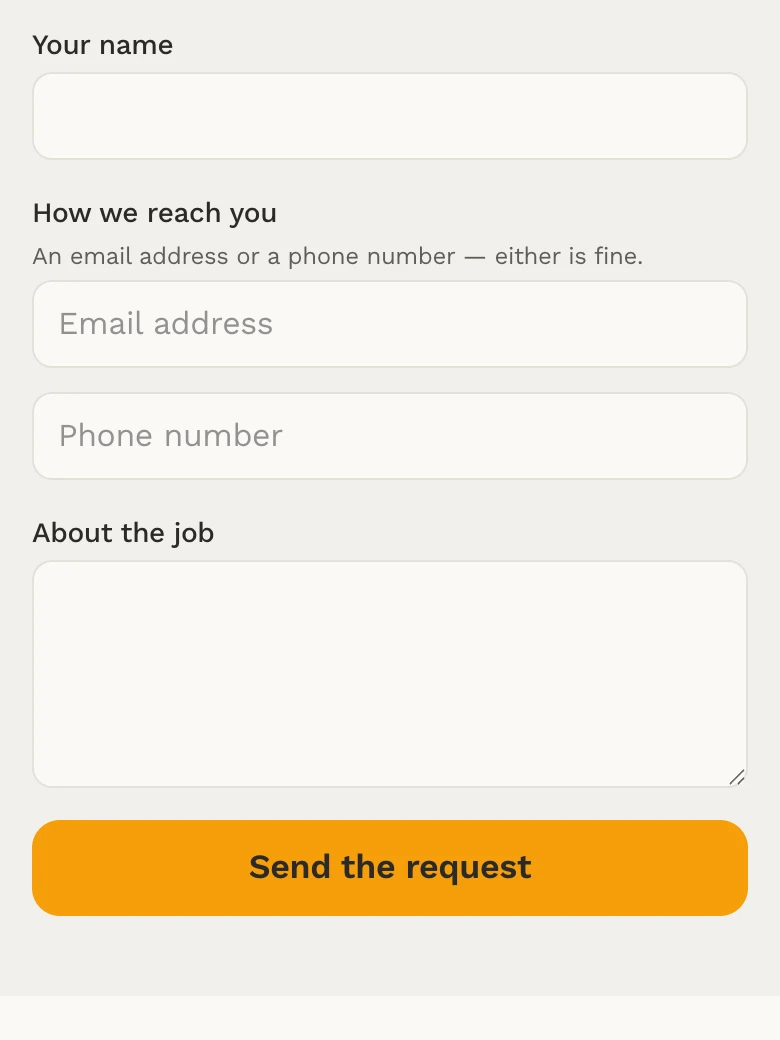
The quote-request form mints a real lead in Daybook — their answers to your own questions land as a real lead, with the job address already filled in. Marketing campaigns come with a launch page and private links to sell from — built in, not bolted on.
- Quote-request form — their answers to your own questions land as a real lead, with the job address already filled in
- Marketing campaigns — a launch page and private links to sell from
- Every lead lands in the app, not an email pile
See it on one of your real jobs.
Run your own workflow through Daybook — bring a quote, a messy email thread, or a week of scheduling.
14-day free trial · no card required