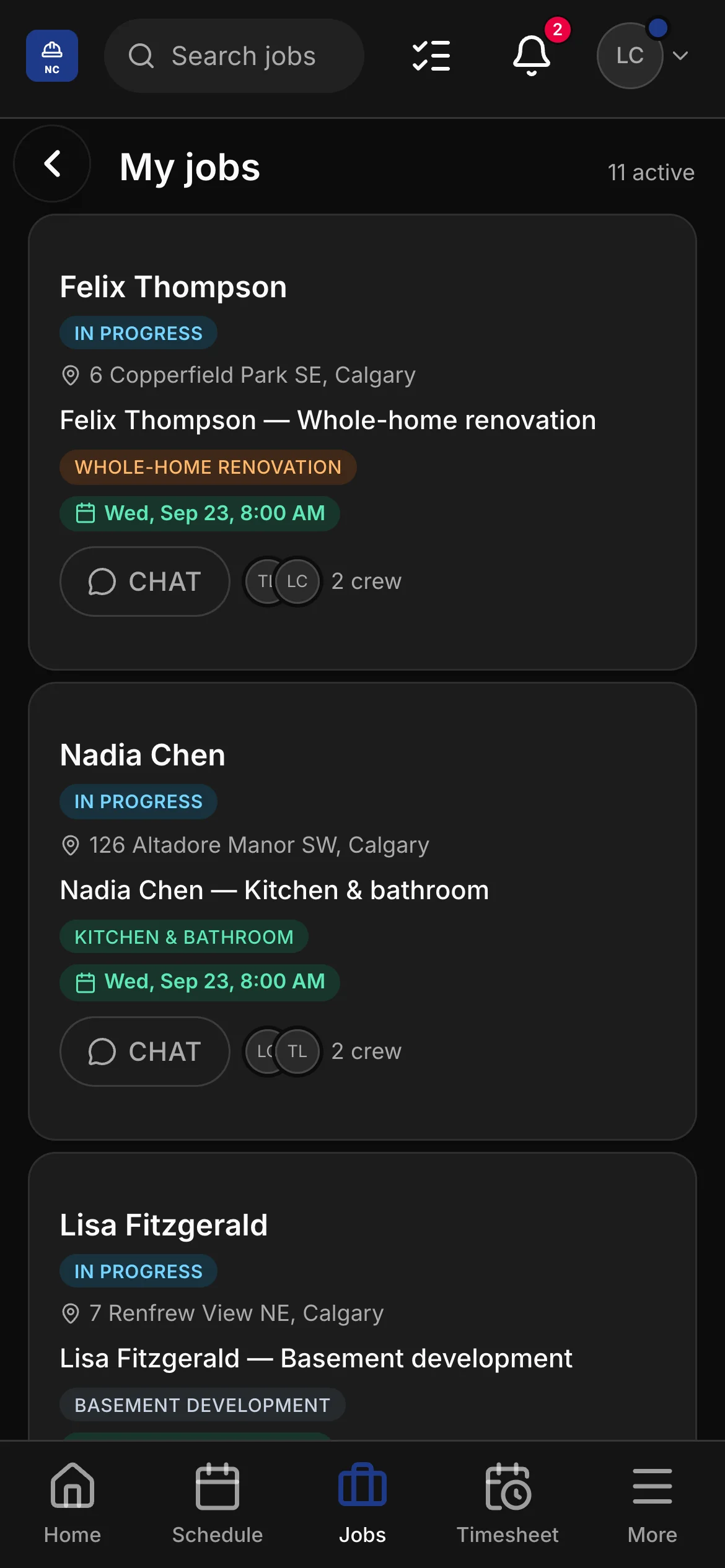
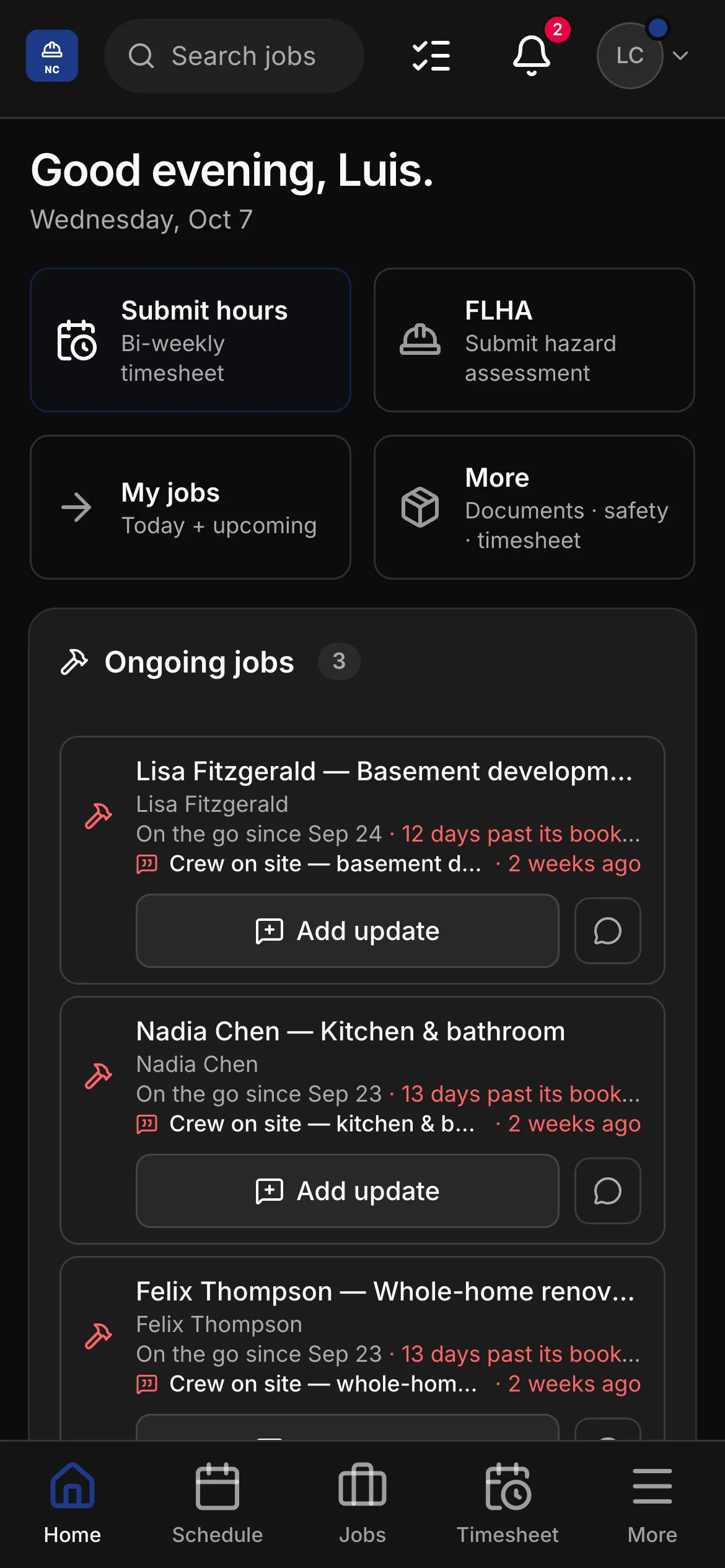
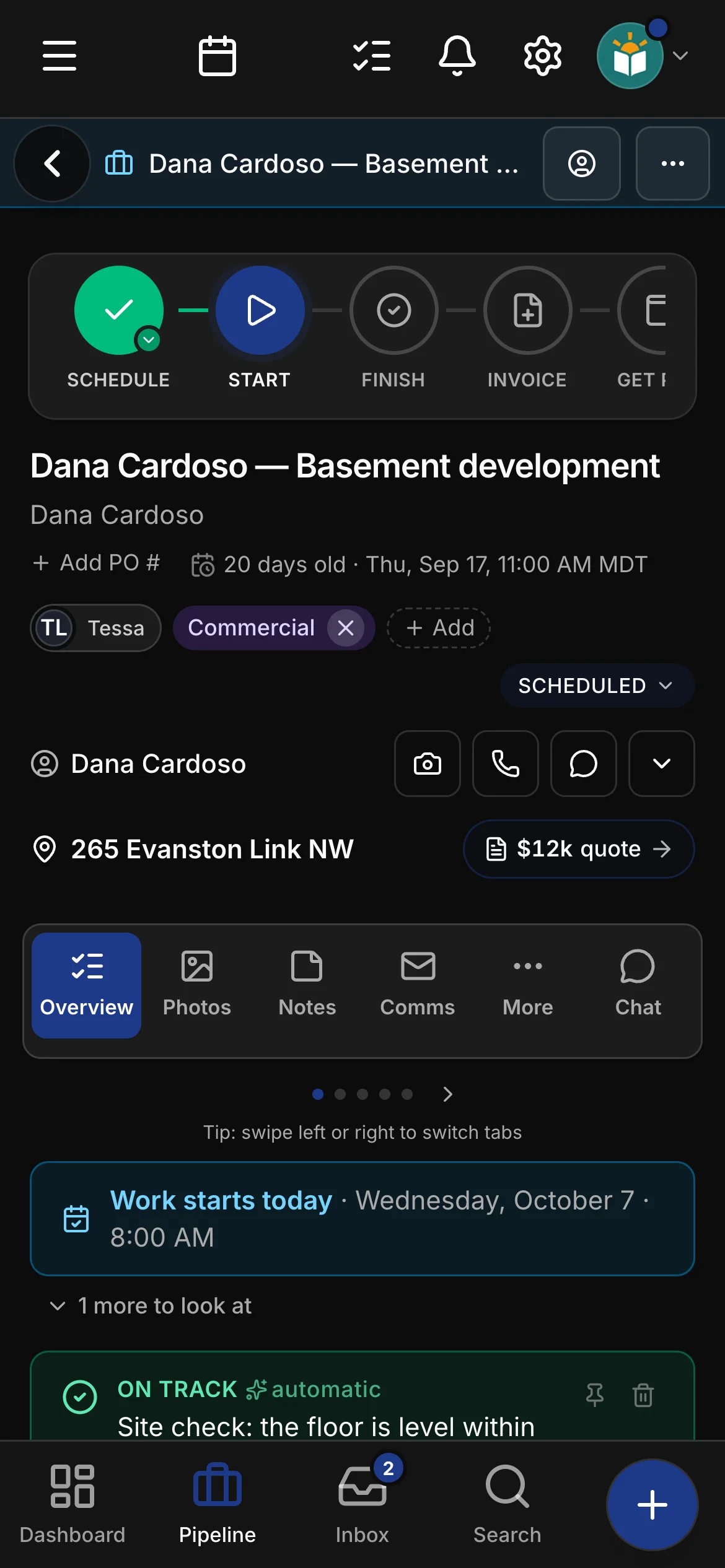
Demolition by the square foot, framing by the linear foot, allowances the client spends, the subs’ quotes carried through and a management fee on top — line items from your price list, on a quote the client signs. Daybook speaks general contractor.
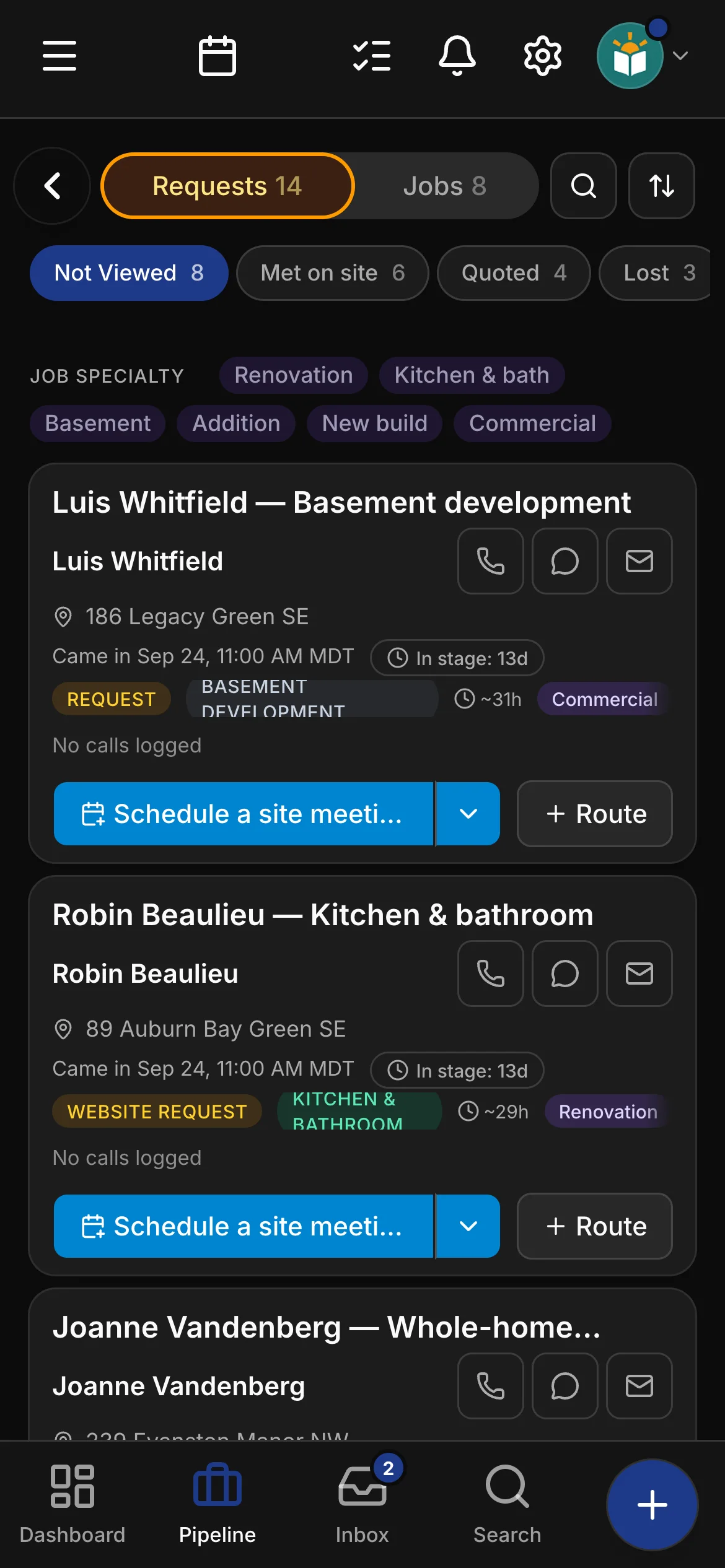
General contracting is a project trade, and the app was built for project work: a lead, a site visit, a quote, a win, a schedule that runs for weeks, an invoice — with every trade a GC brings in underneath. Not a template with a different noun in the headline: general contracting has its own job types, its own checklists, its own quoting words, its own price list and its own website, and every screen that used to say brick or stone says scope, allowance or change order to a contractor.
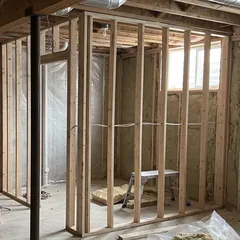
There is no takeoff here, on purpose. A GC prices from the subs’ quotes, the allowances and a price list, so the quote builder works as a list: demolition per square foot, framing per linear foot, drywall, tape and paint per square foot, the kitchen and bathroom allowances as budgets, electrical, plumbing and HVAC per the sub’s quote, the permit, the bin, and project management on top — every line from your own price list, with your own numbers on it.
The general contracting toolkit.
On top of everything Daybook does for every trade — the full list is here — general contracting gets its own tools.
Quotes built line by line from your price list
Demolition per sq ft, framing per lf, drywall, tape and paint per sq ft, kitchen, bathroom, tile and lighting allowances priced as budgets, the subs’ quotes carried through as their own lines, permit and drawings, the bin, a contingency, and project management & supervision on top — a list, not a takeoff, because that is how a GC prices.
A general contracting price list, ready to price
Management and supervision, demolition, structure and framing, the envelope, interior finishes, kitchen and bath allowances, electrical, plumbing and HVAC carried through, bins and temporary heat, permits and inspections, debris and dump fees — a labelled starter list on day one, with your own prices on it.
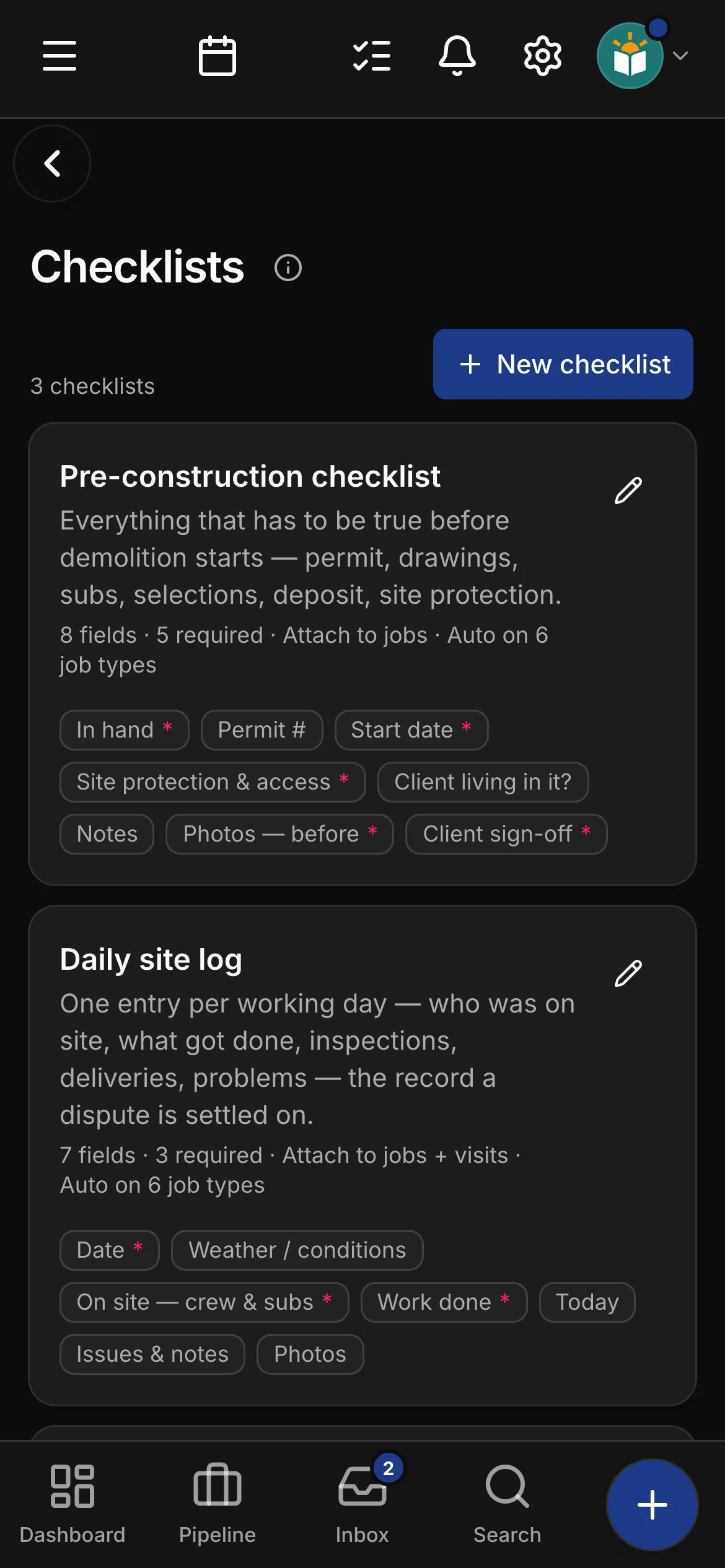
Checklists written for general contractorsCrew and up
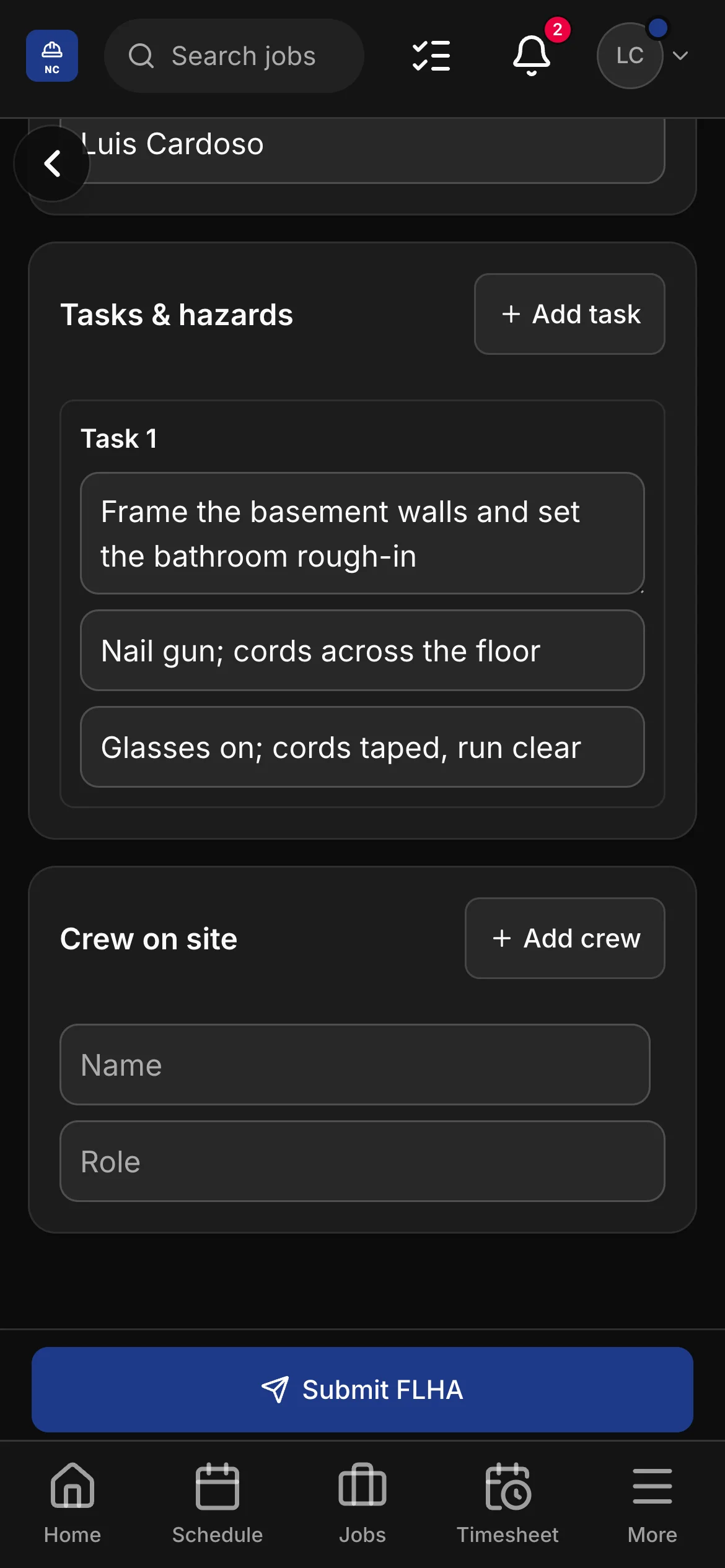
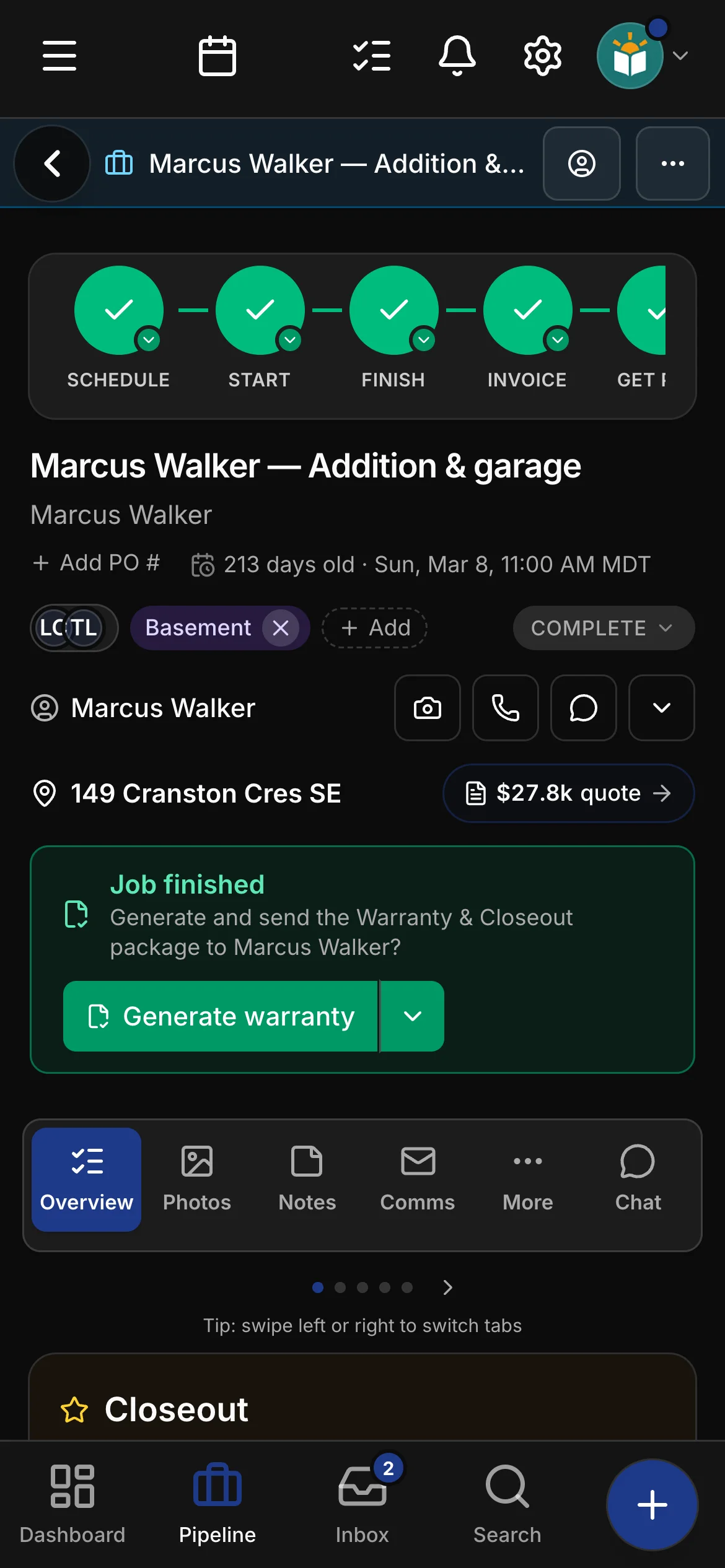
A pre-construction checklist — permit, drawings, engineering, sub quotes, selections, deposit, site protection, signed by the client; a daily site log with who was on site, what got done, inspections and deliveries; and a deficiency & handover with the final inspection, the warranty package and the keys — attached to every project automatically.
Quotes and paperwork in your words
Whole-home renovation, kitchen & bathroom, basement development, addition & garage, new build, commercial fit-out — the job types, the examples and the document preview all speak general contracting.
Tags for who sends you the work
Architect / designer, realtor and property manager as marketing sources; renovation, kitchen & bath, basement, addition, new build and commercial as job specialties; homeowner, investor / landlord, architect / designer and commercial as client tiers — seeded on day one, yours to edit.
AI that knows the trade
Scope, allowance, change order, sub and trade, rough-in and finish, permit, inspection and engineering, progress draw, deficiency list, demo — drafts and job summaries use a contractor’s vocabulary, and the auto-classifier files a job as a new build, a basement, a kitchen or bath, an addition, a fit-out or a whole-home renovation.
A general contracting website, live day one.
Your account starts with a real general contracting site template — a renovations page and a how-we-work page included — edit it in the app, and the quote-request form drops leads straight into Daybook.
Edited in the app — photos and changes live when you press Publish
A renovations page and a how-we-work page, written for contractors
Quote-request form that mints a real lead
Bring your own domain — we set it up with you
Bring a real basement. Watch it quoted.
Your own numbers beat any feature list — put the subs’ quotes and the allowances on the list and see the project priced.