
Features · Documents & paperwork
Inspection reports, warranties and O&M — done for you.
The documents that used to eat your evenings get written, branded and PDF’d in the app. Say “write it for me” and it does.
Written for you
On your letterhead, in your words.
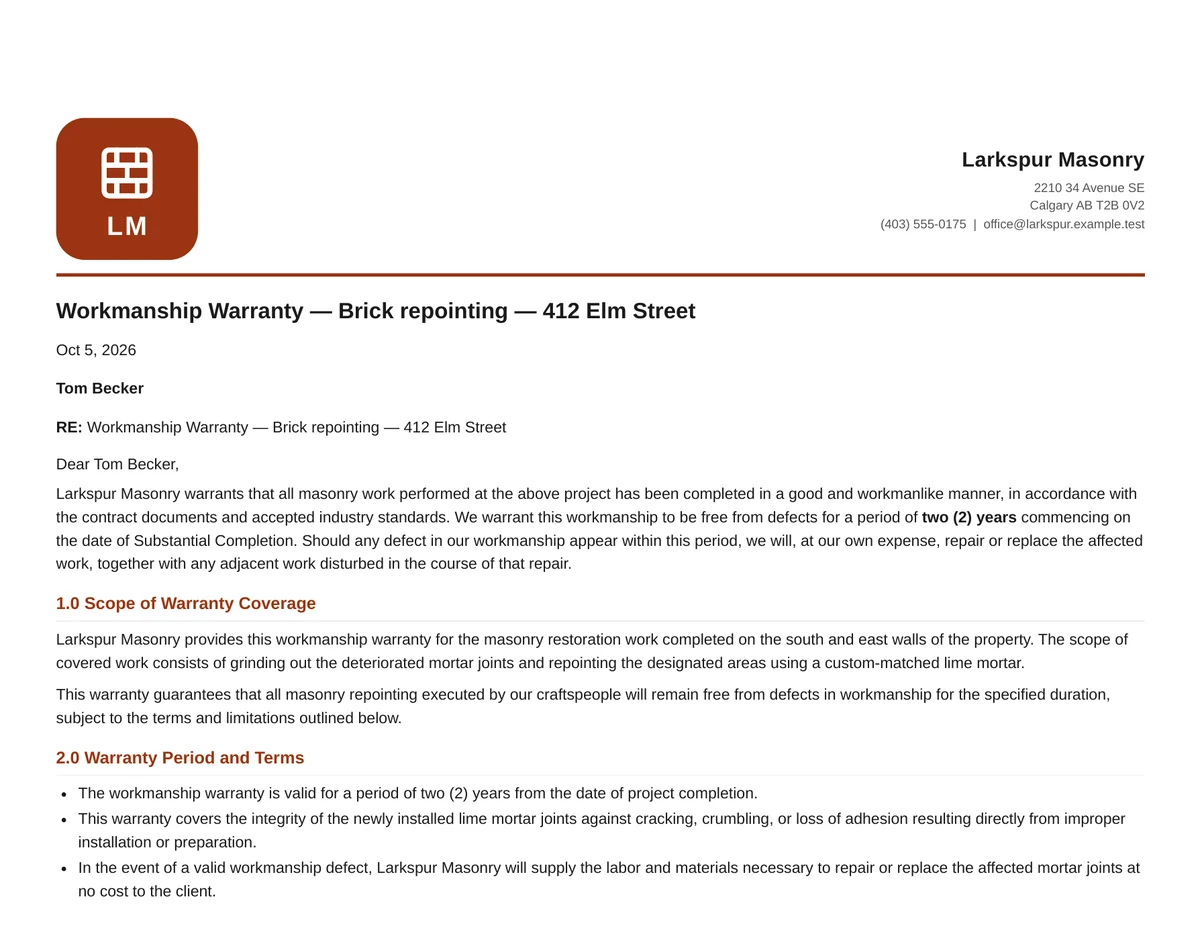
Warranty certificates, O&M manuals, inspection reports, closeout packages — branded documents on your letterhead, written from the job when you ask and PDF’d when they’re done. Upload your own warranty and policy documents to Company files and it writes from them.
- Warranty, O&M, inspection and closeout documents, written and PDF’d
- “Write it for me” when you start one, and Refine when it needs another pass
- Branded documents on your letterhead
From the job
Started on the job. Finished with its photos.
Open the job and start the document you need — a work plan, an inspection report, an O&M manual, a warranty or a closeout package. Write it for me drafts the whole thing from the job’s notes, emails and quote, or start from the recommended layout, a single section or a blank page. Then add the job’s photos yourself, or let Daybook pick the ones that back up your findings and caption them.
- Five documents, started from the job they belong to
- A full draft from the notes, emails and quote
- The job’s photos picked and captioned for you
Writing a draft and picking its photos use AI credits from your plan.
-
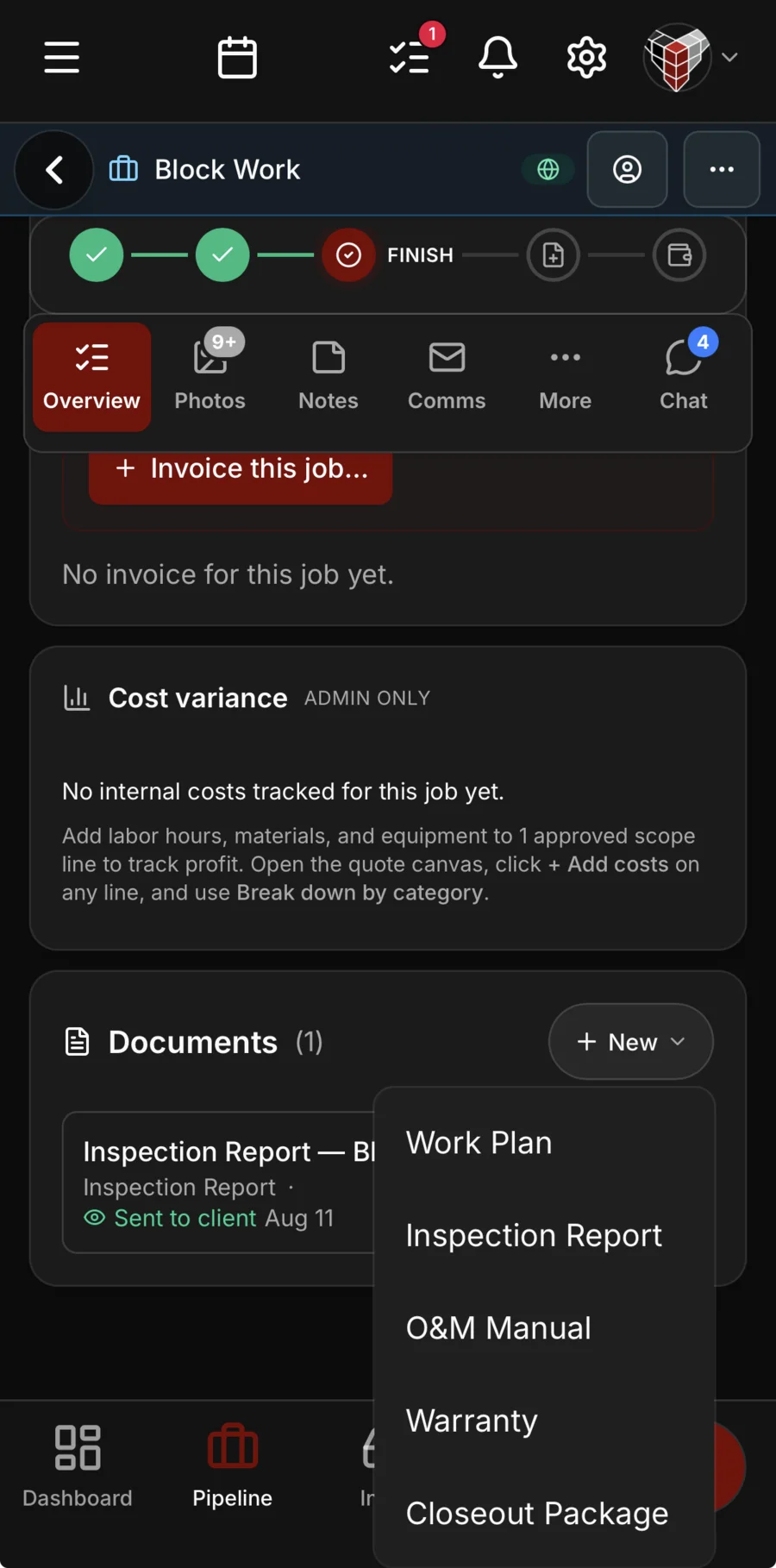
Pick the document. A work plan, inspection report, O&M manual, warranty or closeout package, from the job it belongs to.
-
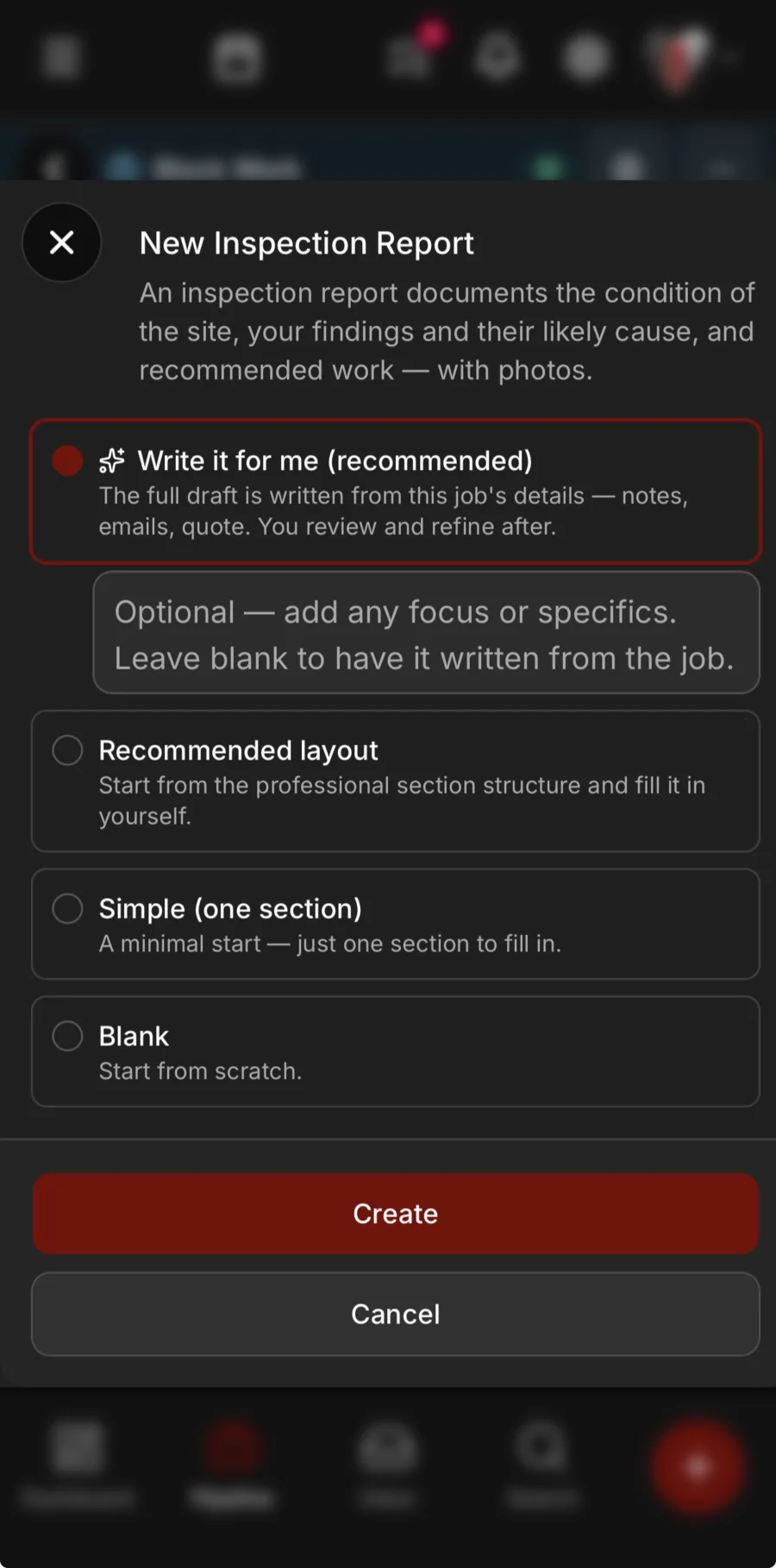
Write it for me. The whole draft from the job’s notes, emails and quote — or start from a layout, one section or a blank page.
-
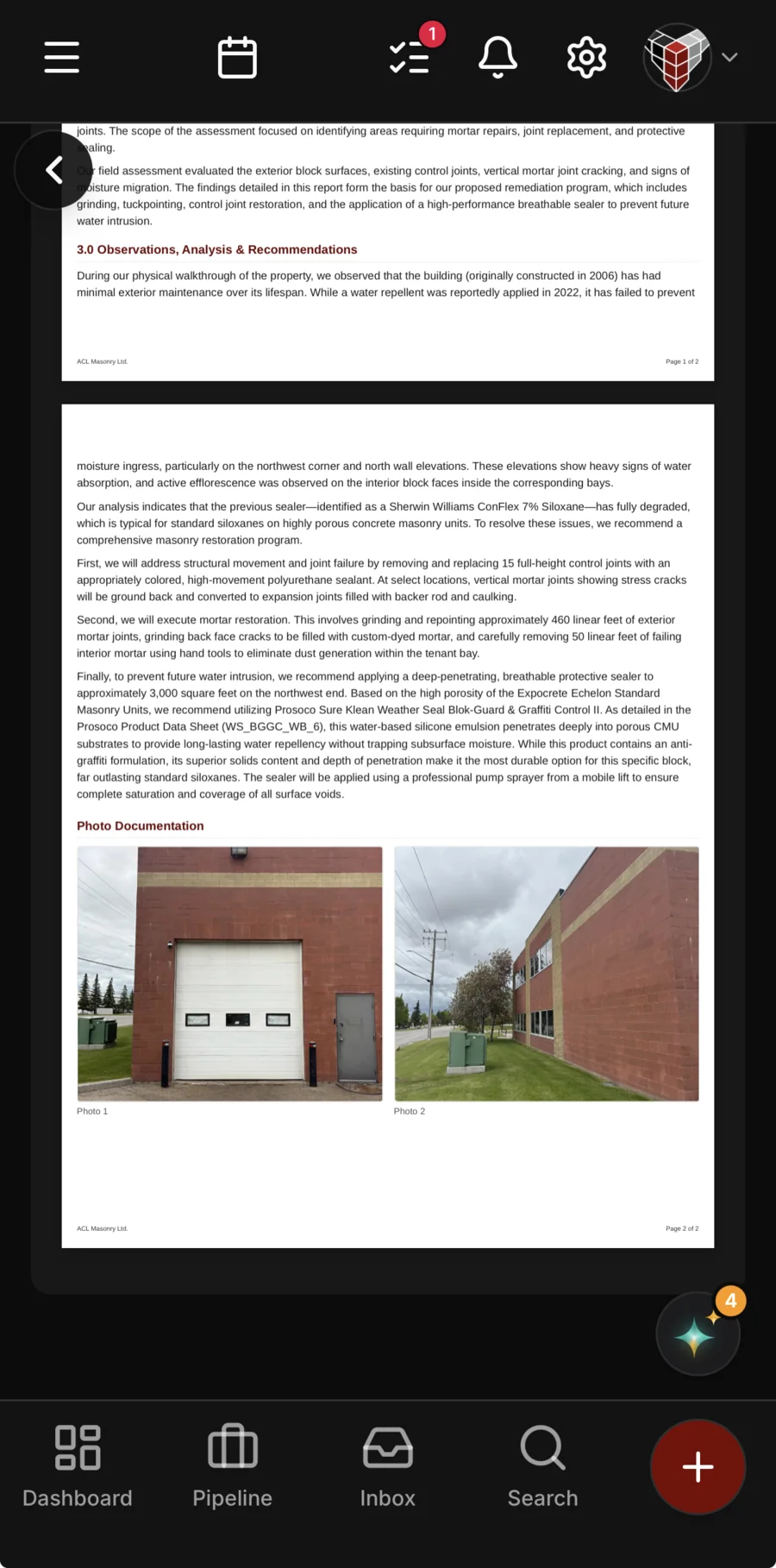
With the job’s photos. Pick them yourself, or let Daybook choose the ones that back up your findings and caption them.
In and out
Paper in, answers out.
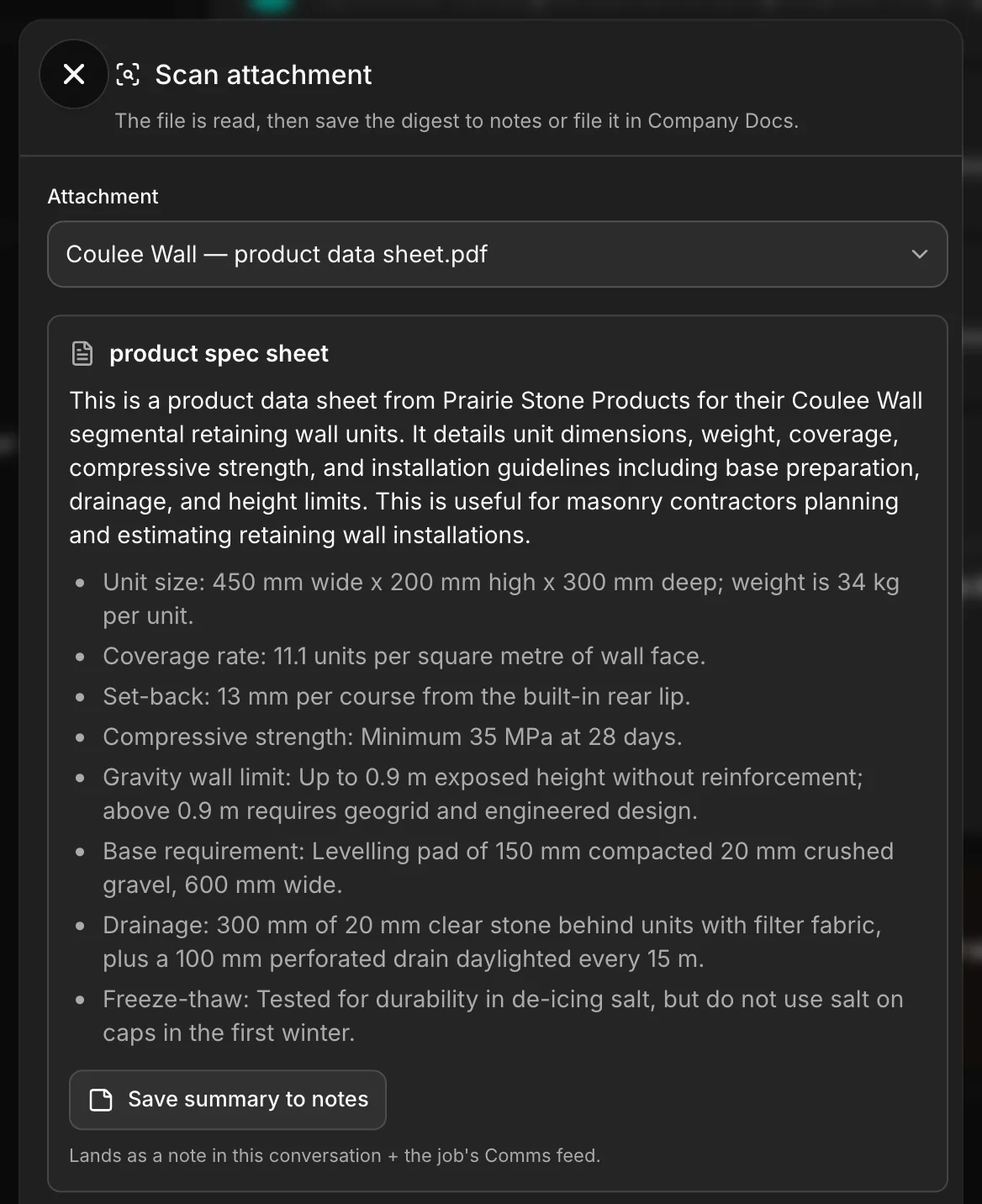
Open an emailed drawing or spec and Read one file sums it up — what it is and the points that matter, with the summary one tap from the job’s notes. Spec sheets, safety data sheets and warranties sit in your company library, ready to attach to any email you send.
- Read one file — an emailed drawing or spec, summed up for you
- Company library — spec sheets, SDS and warranties, attached to any email
- The summary saved to the job’s notes
Forms
Your questions on their phone. Their answers, a lead.
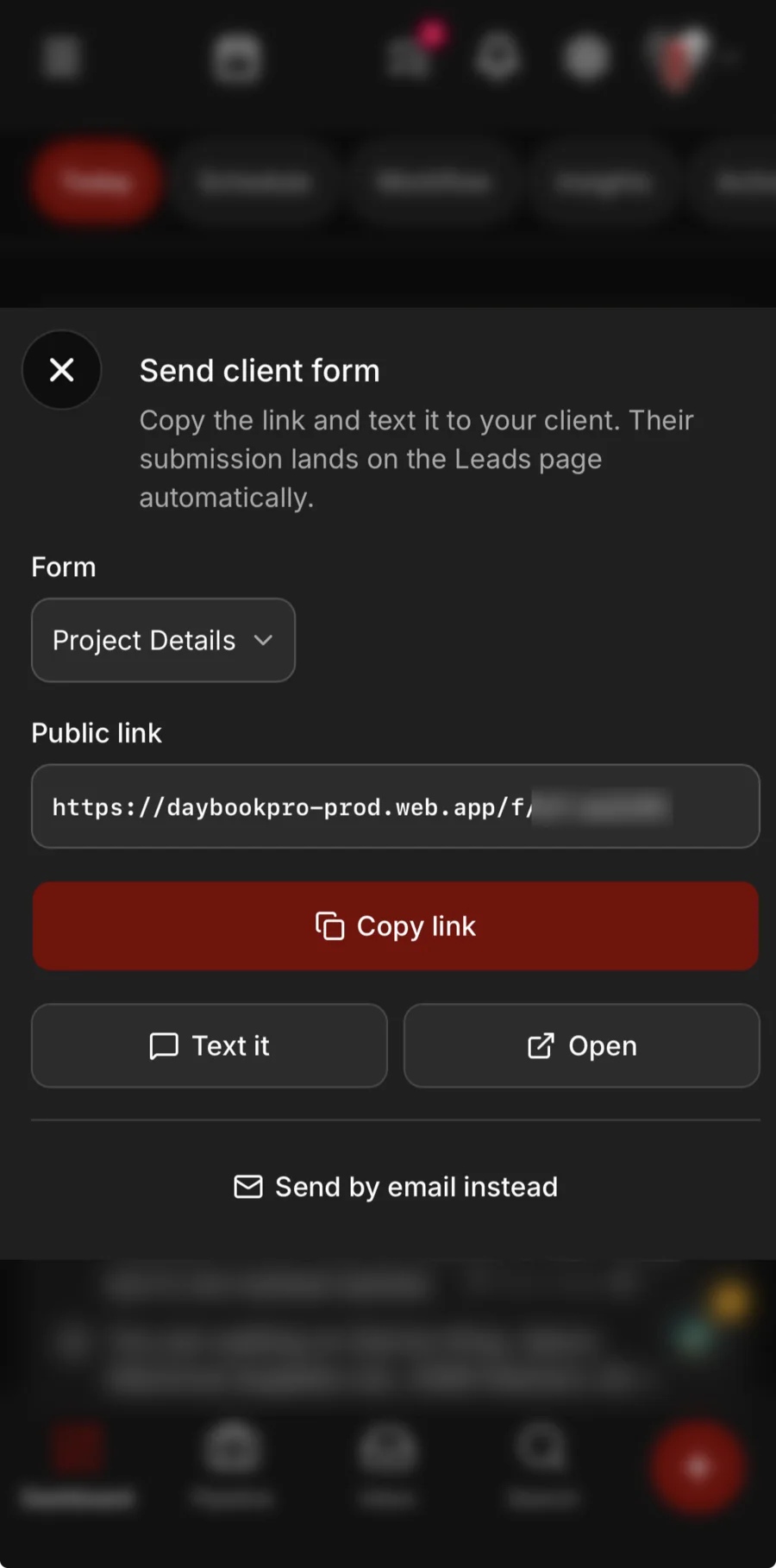
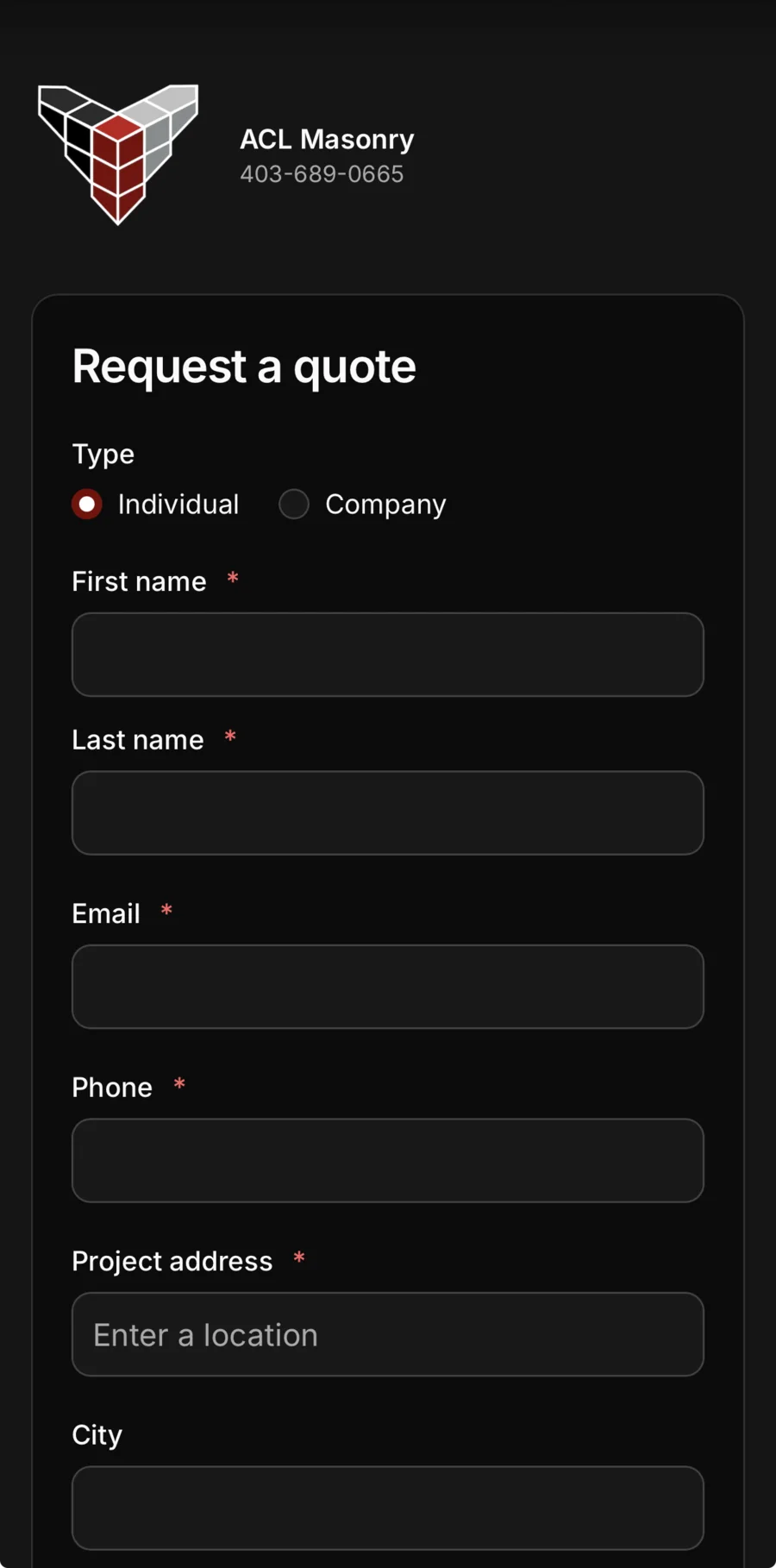
Build your own forms in Settings: name, email, phone, the project address with lookup, photos, and your own questions as text, numbers, dates, picklists or yes and no. Copy a form’s link and text it from your phone, or email it from Daybook. What comes back lands on your Leads page as a new lead — the client on file and a job with their photos and files — and Daybook tells you it arrived.
- Your own questions, beside the ones every job needs
- Sent by text from your phone, or by email from Daybook
- Every answer lands as a lead, photos and all
See it on one of your real jobs.
Run your own workflow through Daybook — bring a quote, a messy email thread, or a week of scheduling.
14-day free trial · no card required